Special Offer



VPS 2GB RAM Hosting Guide

 Study duration :
15 Minutes
Study duration :
15 Minutes  0 Comment
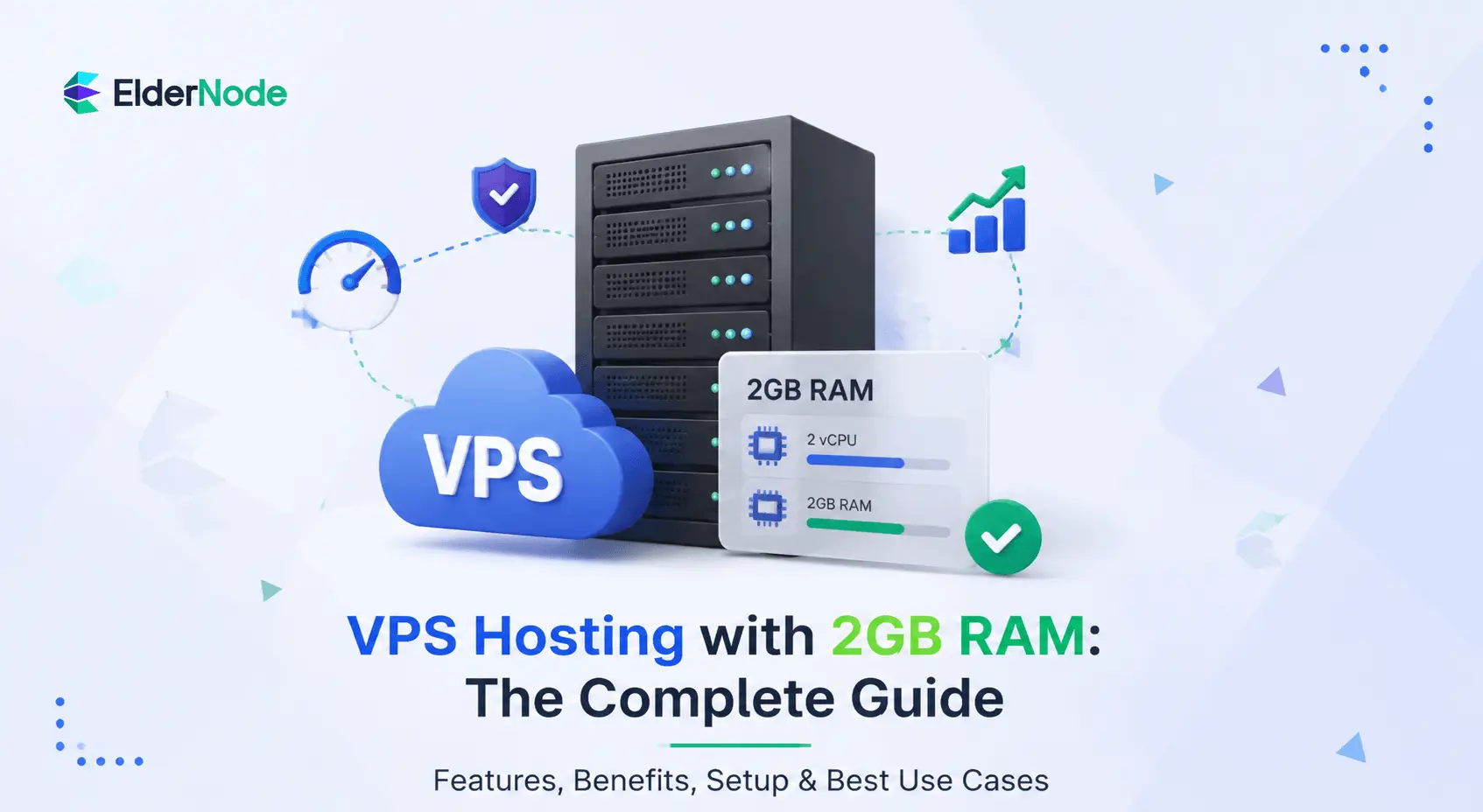
Let’s be real for a second, hosting usually feels like a choice between “cheap and slow” or “fast and expensive.” One popular option finds a middle ground for many users. Specifically, it is a VPS 2GB RAM, which balances performance.
You’re getting your own dedicated space, so you aren’t fighting with anyone else for resources. Additionally, you have the control to set things up exactly how you need them. With 2GB, you’ve got a solid, reliable engine that can handle steady traffic. It can also handle pretty much anything a standard project throws at it, without costing a fortune.
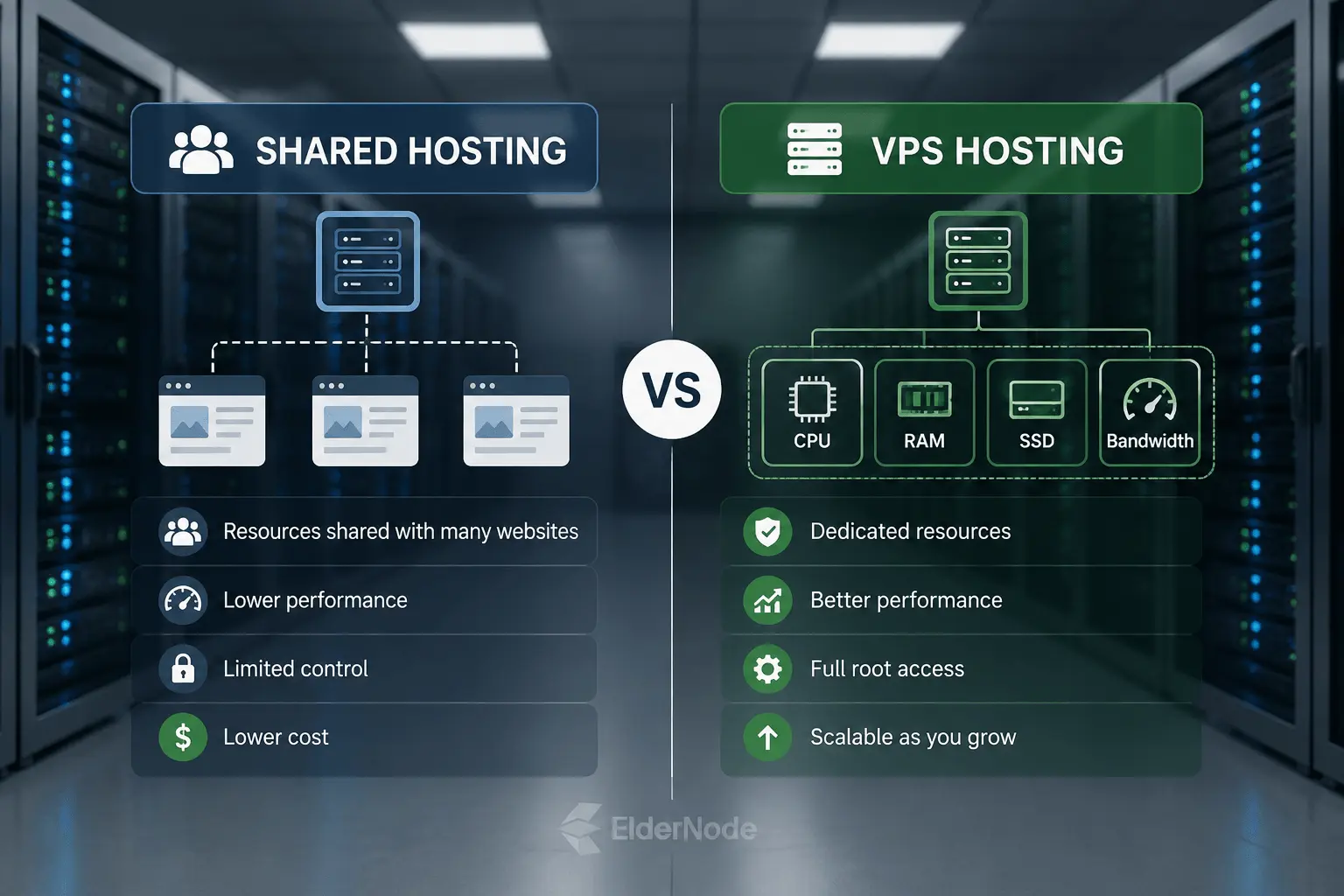
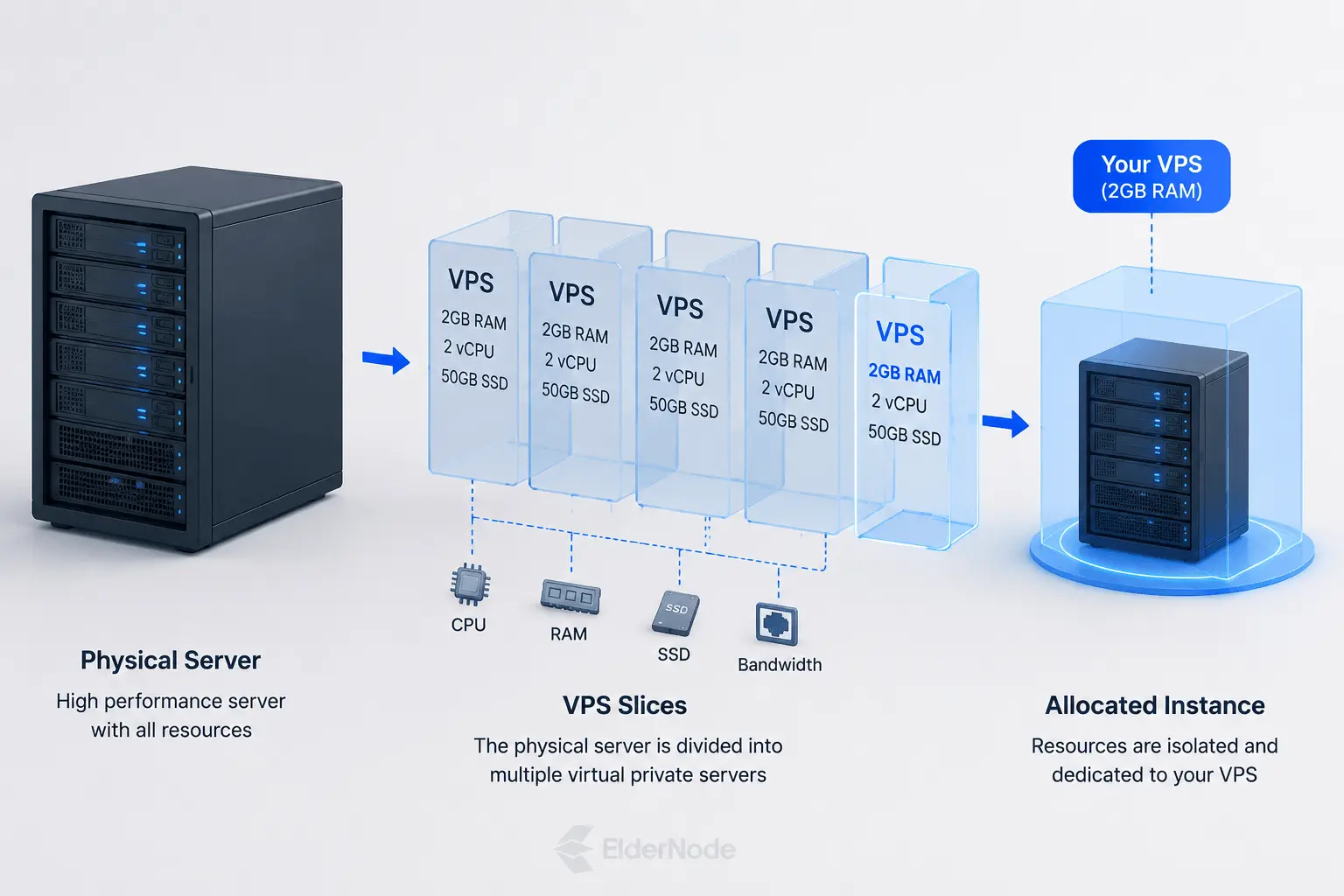
So, what is a 2GB RAM VPS?
Unlike shared hosting, where you’re basically fighting for resources with every other site on the machine, a VPS gives you your own “territory.”
Key benefits of using a 2GB RAM VPS
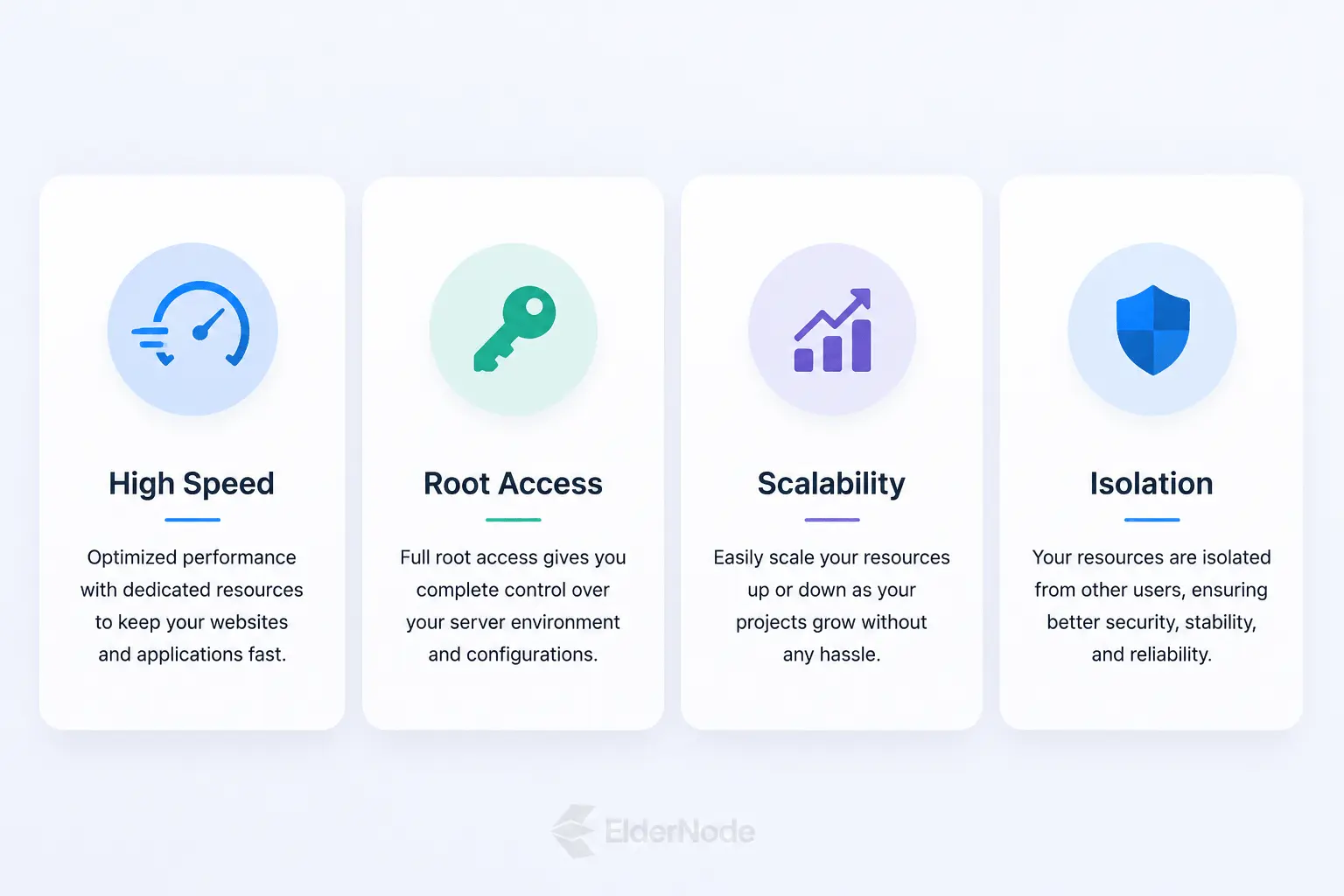
Why exactly would you choose a 2GB RAM VPS? Honestly, it’s the sweet spot for anyone who’s outgrown shared hosting. It’s a good option if you don’t want to pay for more resources than you actually need right now.
A VPS gives you full root access, which means you’re the one in charge. You can tweak your environment and install exactly the software your project needs to thrive.
If your site starts to take off, you can scale up your power as you go.
If you’re looking for a foundation that’s flexible enough to grow with you but solid enough to handle real traffic, this is pretty much the gold standard. In other words, it is perfect for getting it right.
Is 2GB RAM Enough? Use Cases and Limitations
If you’re just starting out, it’s usually the perfect starting point.
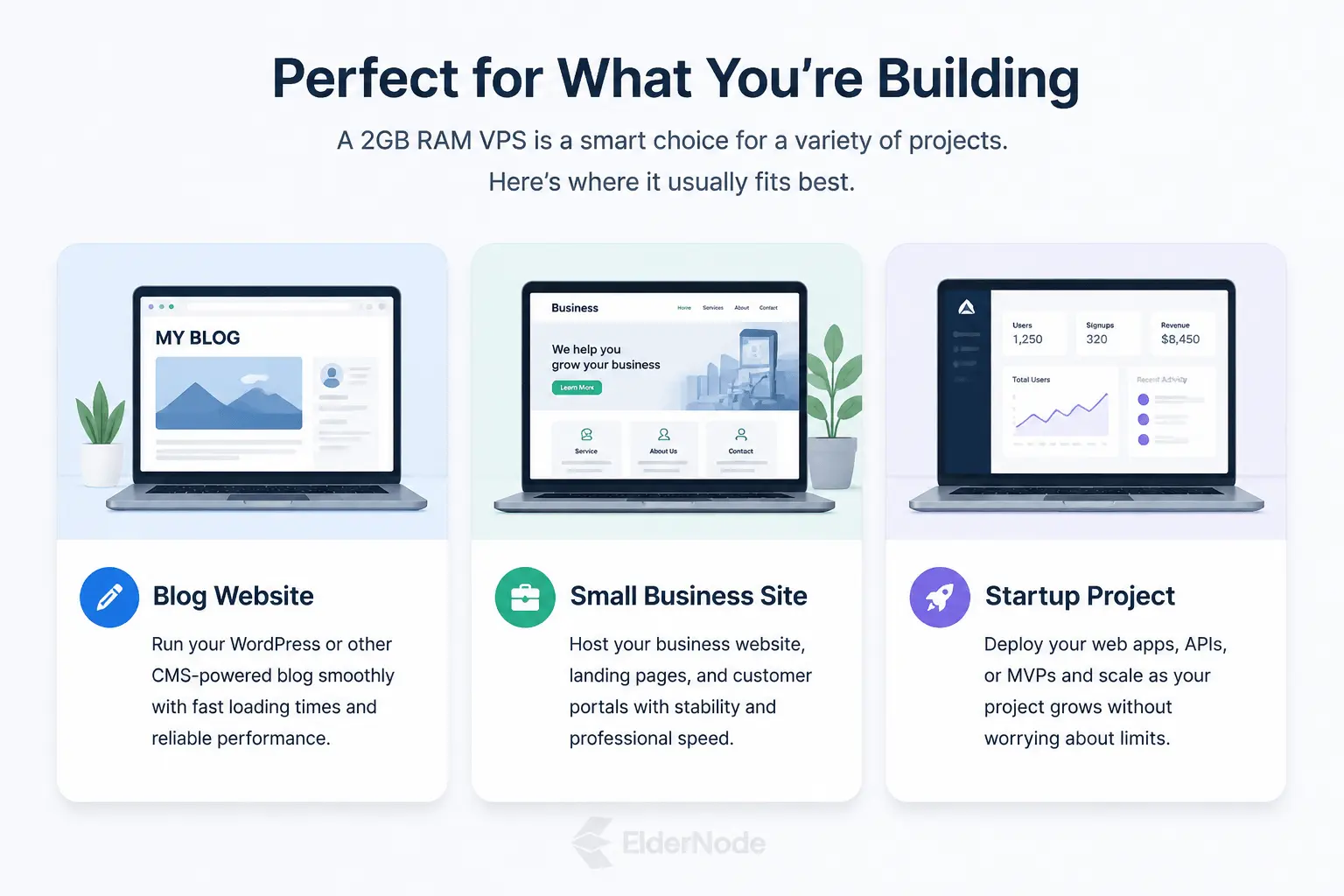
2GB is enough to keep your workflow organized and snappy so you aren’t fighting with lag. However, you’re not paying for a massive, empty warehouse. It’s more than enough power for a typical CMS, a small database, or a small online store to run smoothly.
Here’s where it usually feels like a great fit:
- Small business sites: Keeps your presence online professional and quick.
- Blogs and portfolios: Great for when you want total control without the headache.
- New projects: It’s a solid, affordable way to actually get your ideas live.
Factors to Consider When Choosing a VPS 2GB RAM
Picking out a 2GB RAM VPS shouldn’t just be about looking at the spec sheet. If you’re going to commit to a provider, you want to make sure the “under the hood” stuff actually matches what your project needs to thrive.
Look past just the RAM: It’s easy to get tunnel vision. But the CPU power, the type of storage (SSD is a must), and the bandwidth are what actually make your site feel snappy. Make sure those specs don’t bottleneck you.
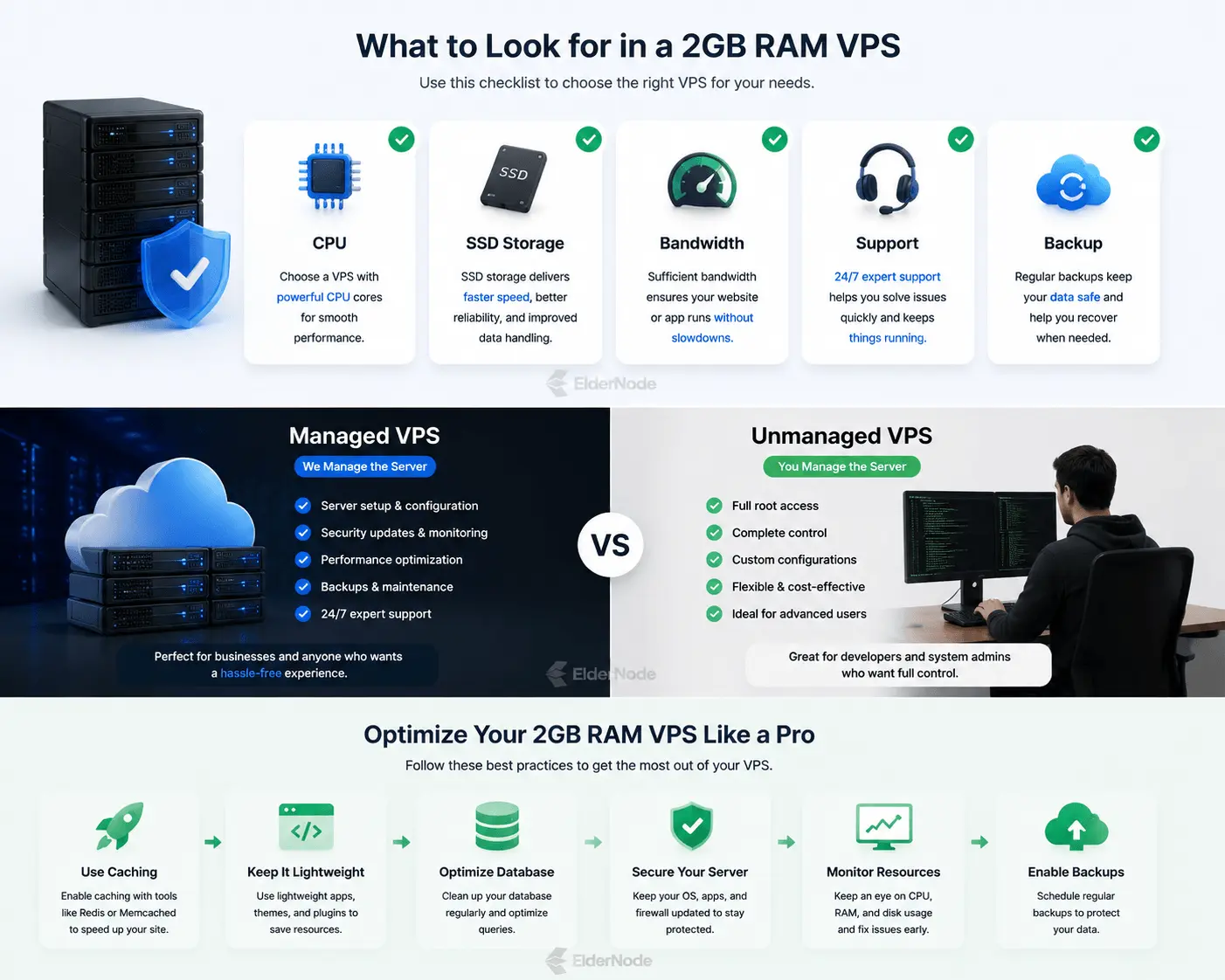
Don’t underestimate support: When your site goes down, you don’t want a generic FAQ page, you want a human who knows what they’re doing. Go with a provider that has a strong track record for uptime and reliability. Also, make sure they offer actual, responsive support.
Think about your wallet, today and tomorrow: Pricing matters, but so does the ability to grow. Make sure your provider lets you scale up easily. You shouldn’t have to move your entire site just because you had a good traffic month.
You shouldn’t need to be a system admin just to get things up and running.Look for things like a good control panel, automated backups (seriously, don’t skip these). Additionally, built-in security like firewalls is important.
At the end of the day, you’re looking for a partner, not just a server. If you take the time to look into these, you’ll eventually end up with a set that’s not only a quick fix, but also a reliable foundation for anything you build.
Managed vs. Unmanaged VPS Hosting
Managed VPS is like that lease with a service plan. You pay a bit more, but the provider acts as your pit crew. They handle the stuff, security patches, software updates, and keeping the lights on.
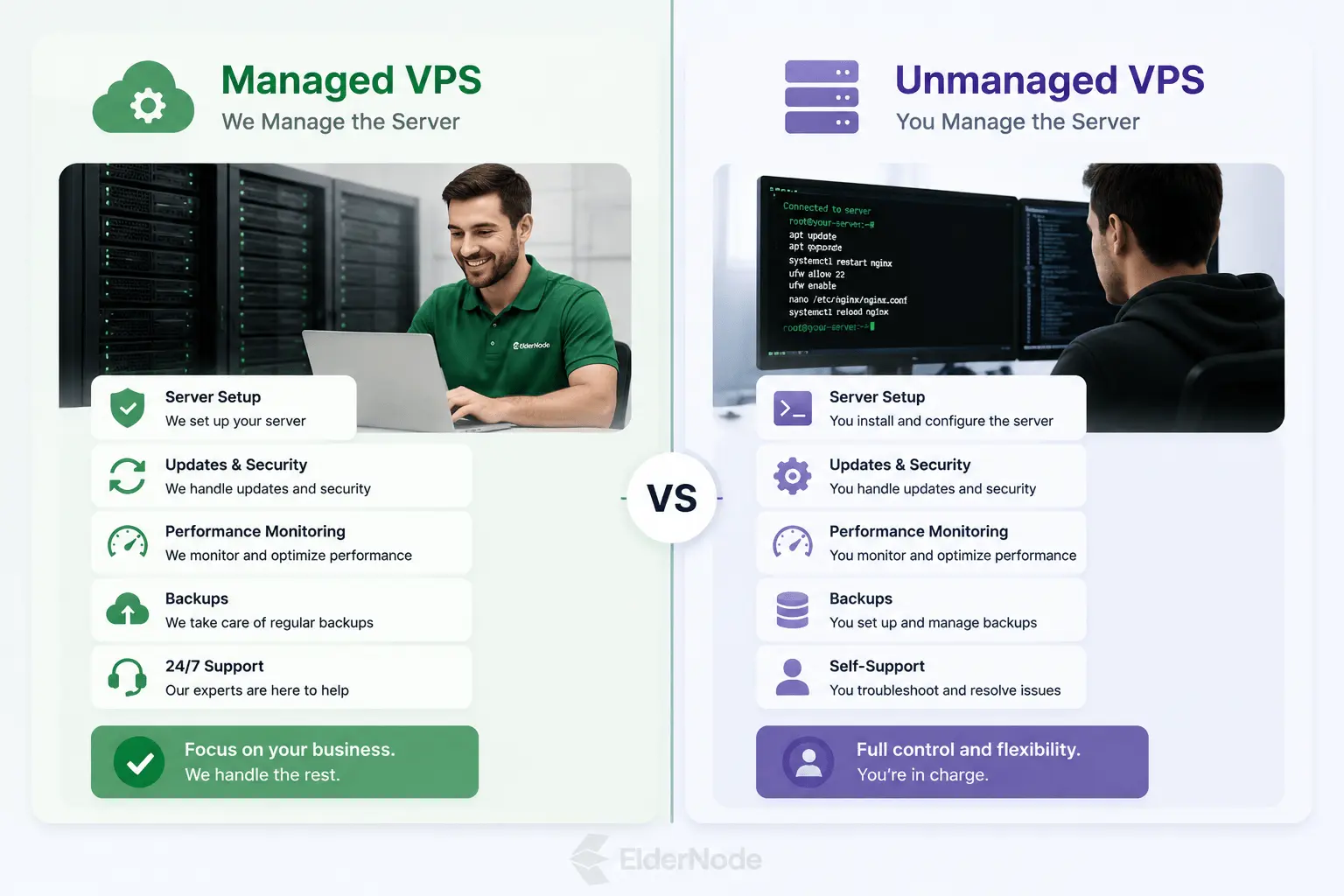
Unmanaged VPS is the “do-it-yourself” route. You get total freedom and control, but you’re the one holding the wrench. If a security vulnerability pops up, it’s on you to patch it. If the server goes down at 3 a.m., you’re the one getting the notification. It’s incredibly rewarding if you’re a tech-head who loves tweaking every detail of your environment, but it’s definitely a commitment of time and energy.
Which one is for you?
- Choose Managed if: Your time is money. You want to skip the technical hurdles and get straight to what you’re actually building.
- Choose Unmanaged if: You have the skills (or a serious desire to learn), you’re on a tighter budget, and you want complete, unfiltered control over every single setting.
It’s not really about which is “better.” Instead, it’s about whether you want a hands-off experience or a deep dive into the guts of your server.
How to Optimize Your VPS 2GB RAM for Best Performance
If you want your site to stay fast and snappy, the trick is just to keep things clean and lean.
Here’s how to keep your server running like a without making it a full-time job:
Check what’s running: Take a look under the hood every once in a while. If you see services or background processes that aren’t actually doing anything for you, kill them. Every extra task you turn off is just more breathing room for the things that actually matter to your site.
Go with lightweight options: Whenever you have the choice, pick the leaner version of your software. A lot of apps are pretty bloated and eat up RAM just for existing. There’s usually a simpler, faster option that gets the same job done without the extra weight.
Stay on top of updates: Developers are constantly finding ways to make their code run cleaner. Keeping things up to date is honestly the easiest way to keep your server humming along.
Use caching like a pro: Once you set up caching, your server doesn’t have to keep doing the same heavy lifting over and over. It builds the page once, saves it, and just hands that version out to your visitors. It’s a massive weight off your CPU and RAM.
The reality is: it’s more like a good habit. Just keep an eye on your usage, clear out the digital junk every now and then, and your server will keep doing its job perfectly.
Comparing VPS Hosting Providers: What to Look For
Picking the right VPS provider can feel a bit overwhelming, but honestly, it comes down to just a few “make-or-break” things.
Support that actually helps: When something goes wrong, and at some point, it will, you don’t want to be stuck waiting three days for an automated email. Look for a team that’s available 24/7 and, more importantly, one that actually knows what they’re doing.
Uptime isn’t just a number: You’ll see everyone promising “99.9% uptime,” but there’s a difference between a promise and reality. Do a quick search to see what their users are actually saying. If they have a habit of going offline every other week, it doesn’t matter how cheap they are. In the end, it’s not worth the headache.
Room to breathe (Scalability): You might be starting small today, but if your site blows up next month, you don’t want to be trapped. Make sure the provider makes it painless to upgrade your resources. You want a path that lets you flip a switch and get more power. Instead of having to pack up your whole site and move it to a new provider, you want an easy upgrade.
A server that’s a few dollars cheaper per month isn’t a bargain if it costs you hours of downtime or frustration later on. You want a provider that feels like a partner, someone who’s there when you need them. Moreover, they should grow with you as your project takes off.
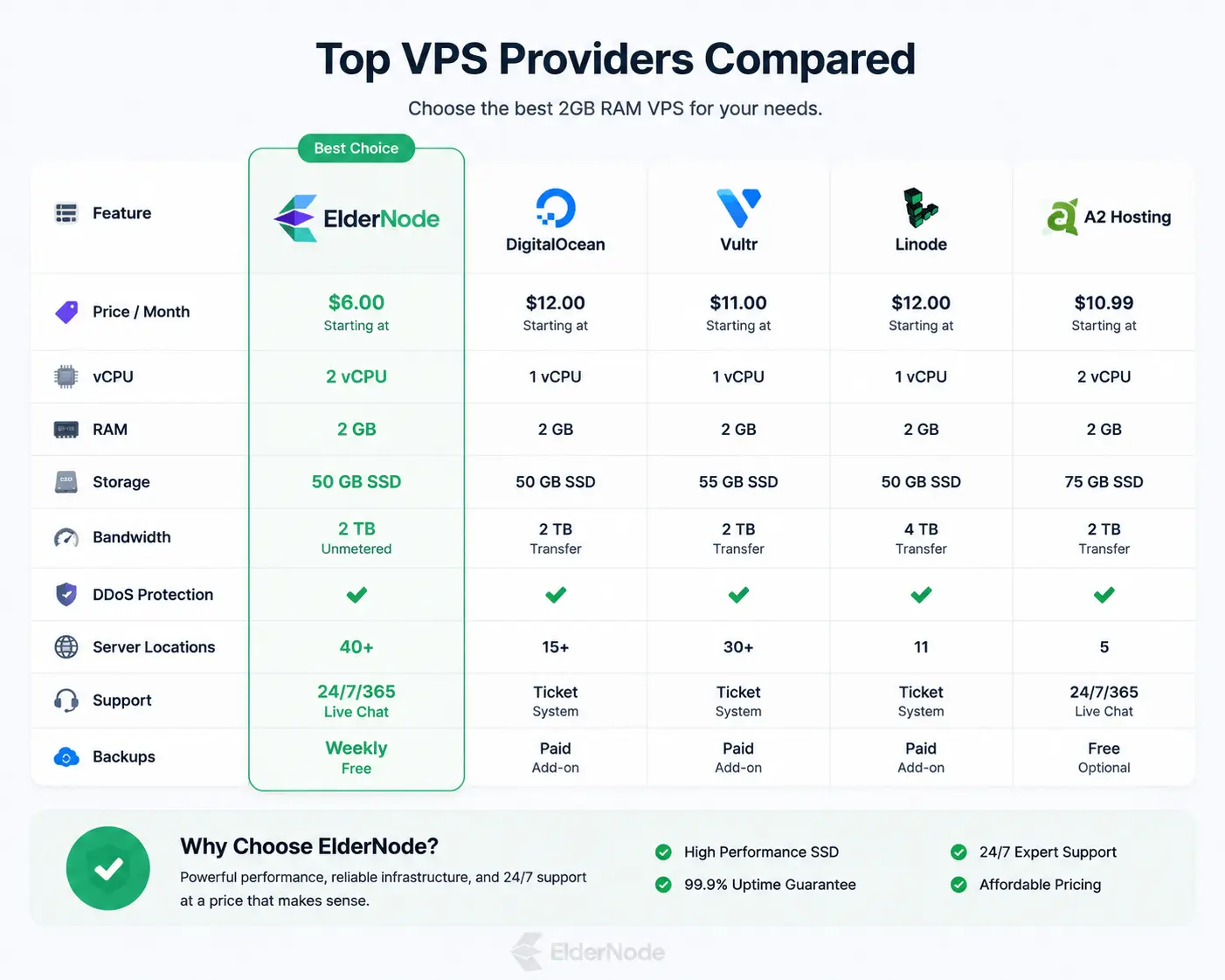
Note: If you’re running a small website, testing a project, or moving away from shared hosting, 2GB VPS is usually the safest starting point.
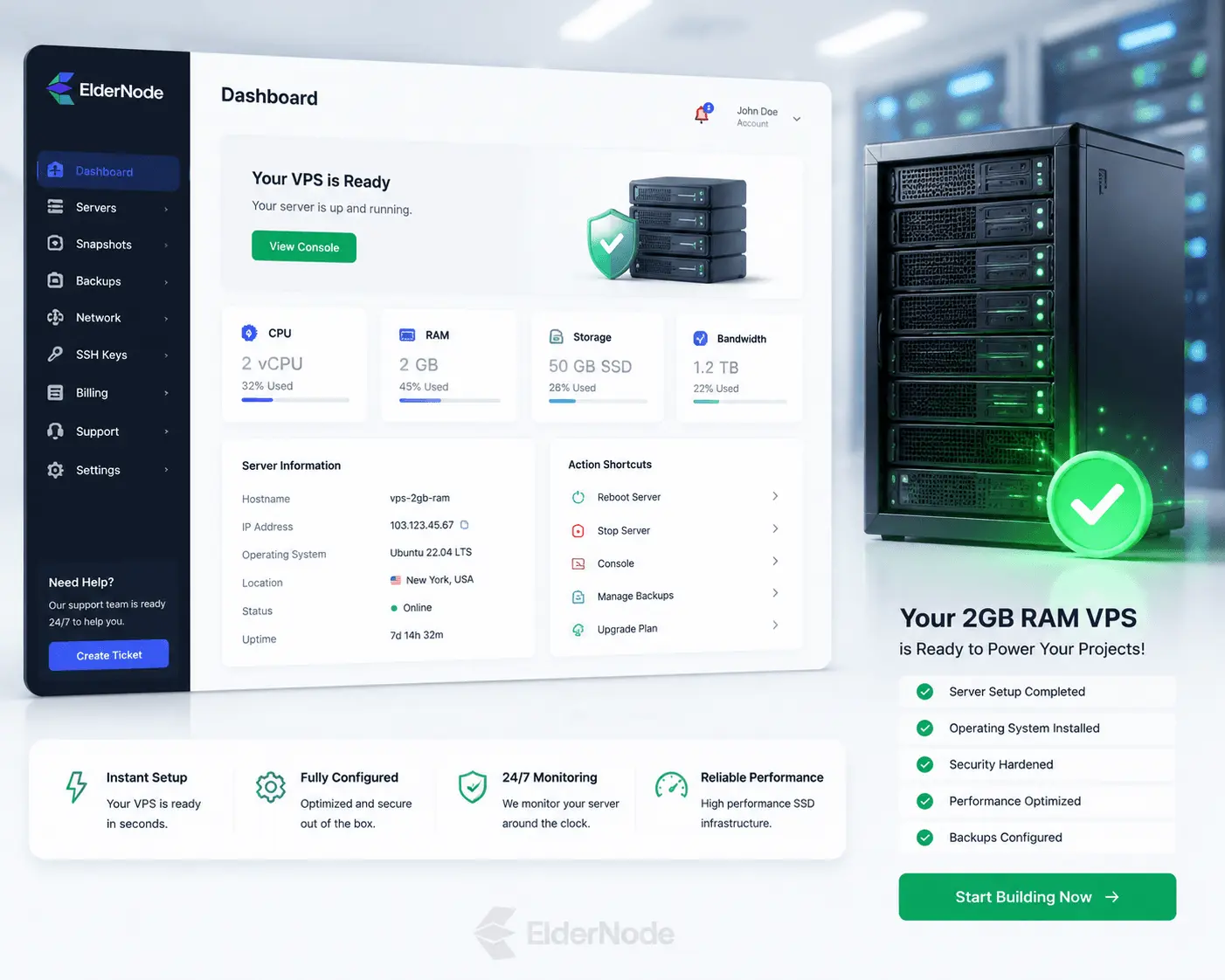
If you need a simple, reliable starting point for hosting, a 2GB VPS is one of the easiest ways to get started without overpaying.
If you need a simple and reliable starting point, a 2GB VPS is usually the easiest way to get started.
You can check available plans and choose the one that fits your project.