Special Offer



Linux Mint vs Ubuntu: Which is Better?

 Study duration :
16 Minutes
Study duration :
16 Minutes  0 Comment
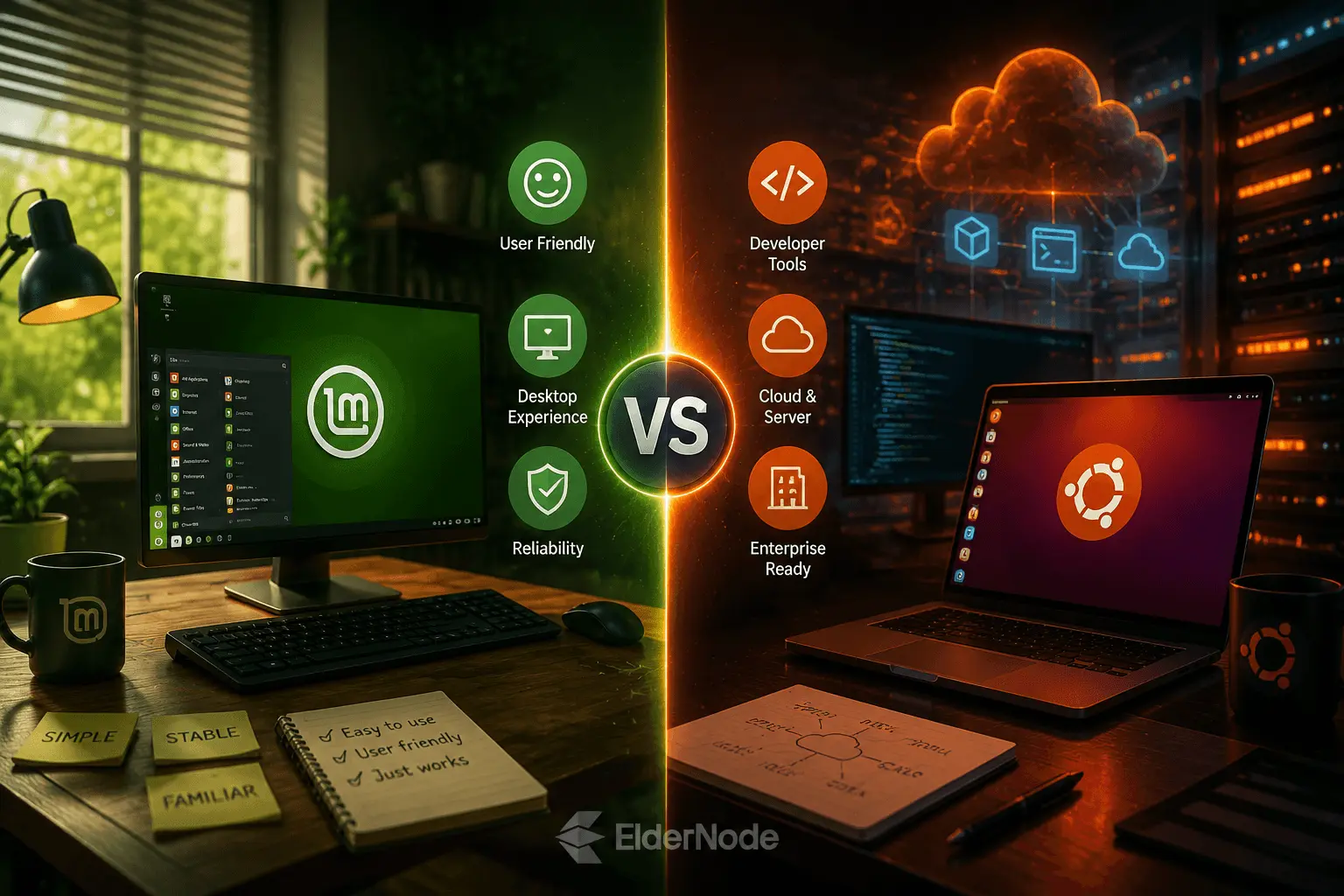
Here’s the thing about picking a Linux distro for your desktop or laptop, it almost always comes down to one simple question. Comfort, or ecosystem? Linux Mint feels familiar right out of the box, especially if you’re coming over from Windows. Ubuntu, on the other hand, plugs you into a much bigger world of commercial support, developer tools, hardware compatibility, and server-side resources. So when you’re weighing Linux Mint vs Ubuntu, there’s no clear winner. At the end of the day, it all comes down to what you actually plan to use it for.
| Feature | Linux Mint | Ubuntu |
|---|---|---|
| Beginner friendly | Excellent | Good |
| Server use | Limited | Excellent |
| Hardware support | Very good | Excellent |
| Old laptops | Excellent | Good |
| Developers | Good | Excellent |
| VPS | Not recommended | Recommended |
Quick verdict
If you just want a desktop that works the moment you turn it on, no drama, no digging through menus, Linux Mint is the way to go. What really sets it apart is how quickly it feels natural, everything’s right where you’d expect, and there’s basically no learning curve to speak of. Mint also takes it easy on the update front, rolling things out at a calmer pace, and lets you pick between three desktop flavors, Cinnamon, MATE, or Xfce, depending on your taste. As Mint’s own site puts it, Cinnamon is the crowd favorite, MATE has more of an old-school feel and runs a bit snappier, while Xfce is the lightweight option of the bunch.
Go with Ubuntu if you want the Linux desktop most people already know. It comes with strong hardware support, a massive user base behind it, enterprise-ready options, and a much easier path into server, cloud, or professional dev work down the road. Right now, Ubuntu 26.04 LTS is the long-term support release holding things down. Out of the box, you get five years of free security and maintenance updates, and if you’re feeling ambitious, Ubuntu Pro lets you stretch that timeline out even further.
What makes Linux Mint different?
Linux Mint aims to feel like home from the moment you boot it up. Its Cinnamon edition sticks to a familiar layout, a classic panel, menu, system tray, and window arrangement, all built around habits users already have. If a traditional desktop workflow is what you’re after, you’ll settle in quickly, almost as if you never left. Mint also offers MATE and Xfce editions, giving you more control over performance and interface style, without needing to install a separate Ubuntu flavor to get there.
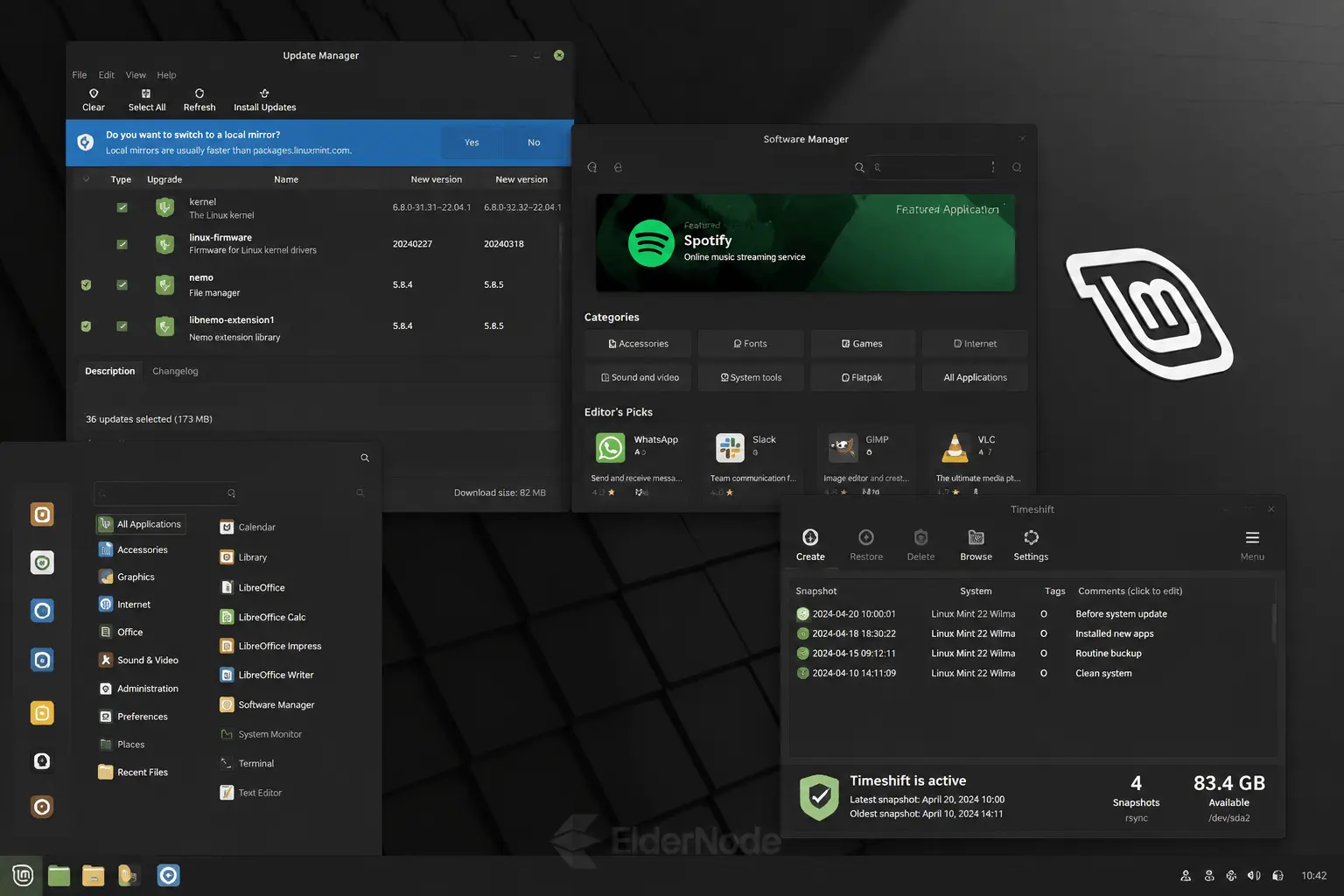
Mint really shines when it comes to update handling, thanks to its own built-in Update Manager. The user guide even suggests pairing your updates with system snapshots, so if anything ever goes sideways, rolling back is just a click away. That safety net is a big reason Mint feels like such a solid choice for beginners who’d rather not stress over maintenance.
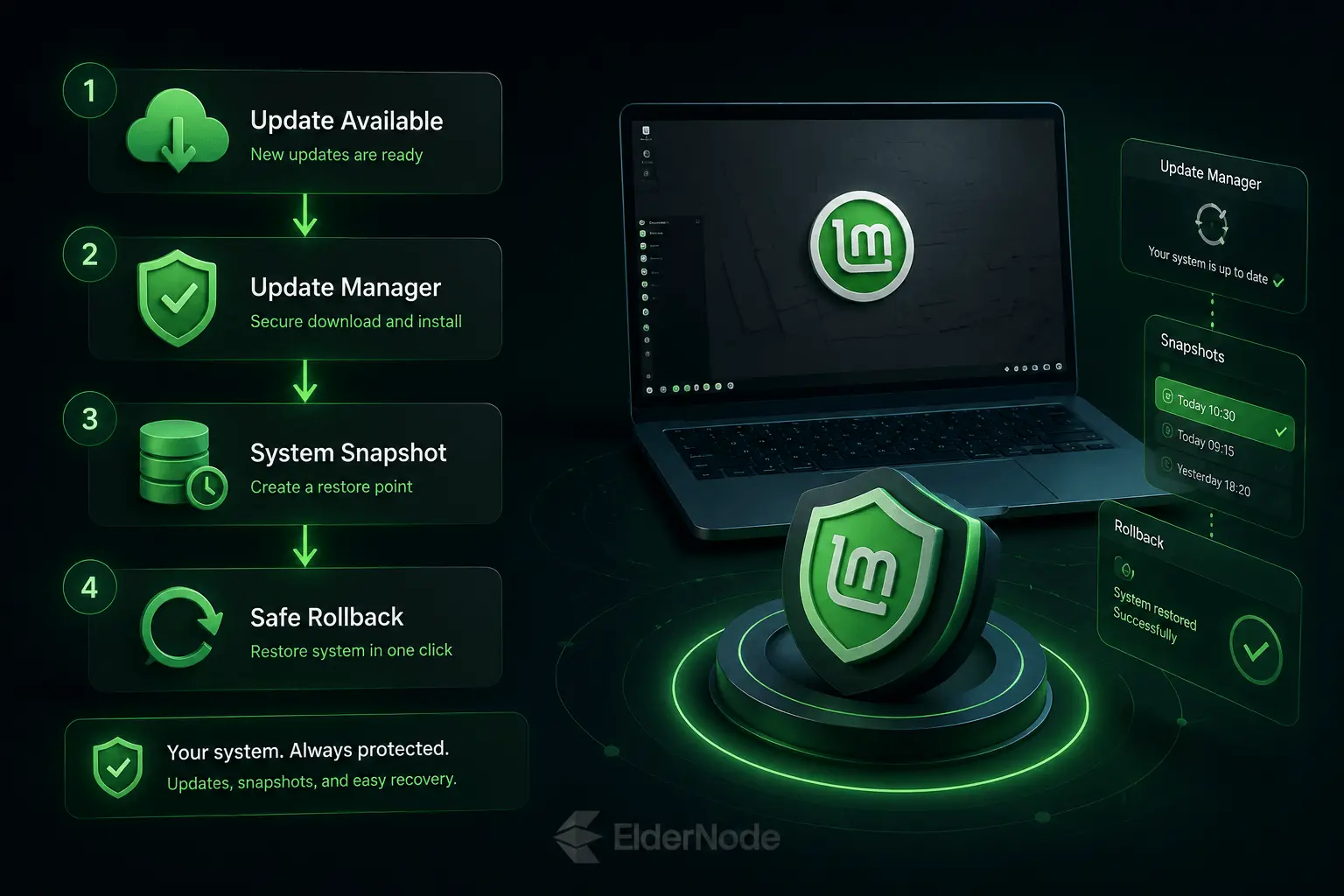
Mint stays closely tied to both Ubuntu and Debian at its core. The project describes itself as based on both, which gives it access to a broad and reliable package base. It also maintains its own set of software tools, developed specifically for the distro. At present, the Linux Mint 22.x releases available for download are built on top of the Ubuntu Noble package base.
What makes Ubuntu different?
Ubuntu’s reach goes well beyond the desktop. It’s a major force behind servers, cloud infrastructure, dev workstations, containers, and enterprise deployments alike. On the desktop side, it’s built on GNOME, with a workflow centered around the dock, activities overview, app search, and system settings, all working together in a way that feels cohesive rather than bolted on. Check Ubuntu’s desktop download page right now and you’ll find 26.04 LTS paired with GNOME 50 and Linux Kernel 7.0, bringing with it a set of accessibility improvements, cloud identity authentication, and TPM-backed full-disk encryption management.
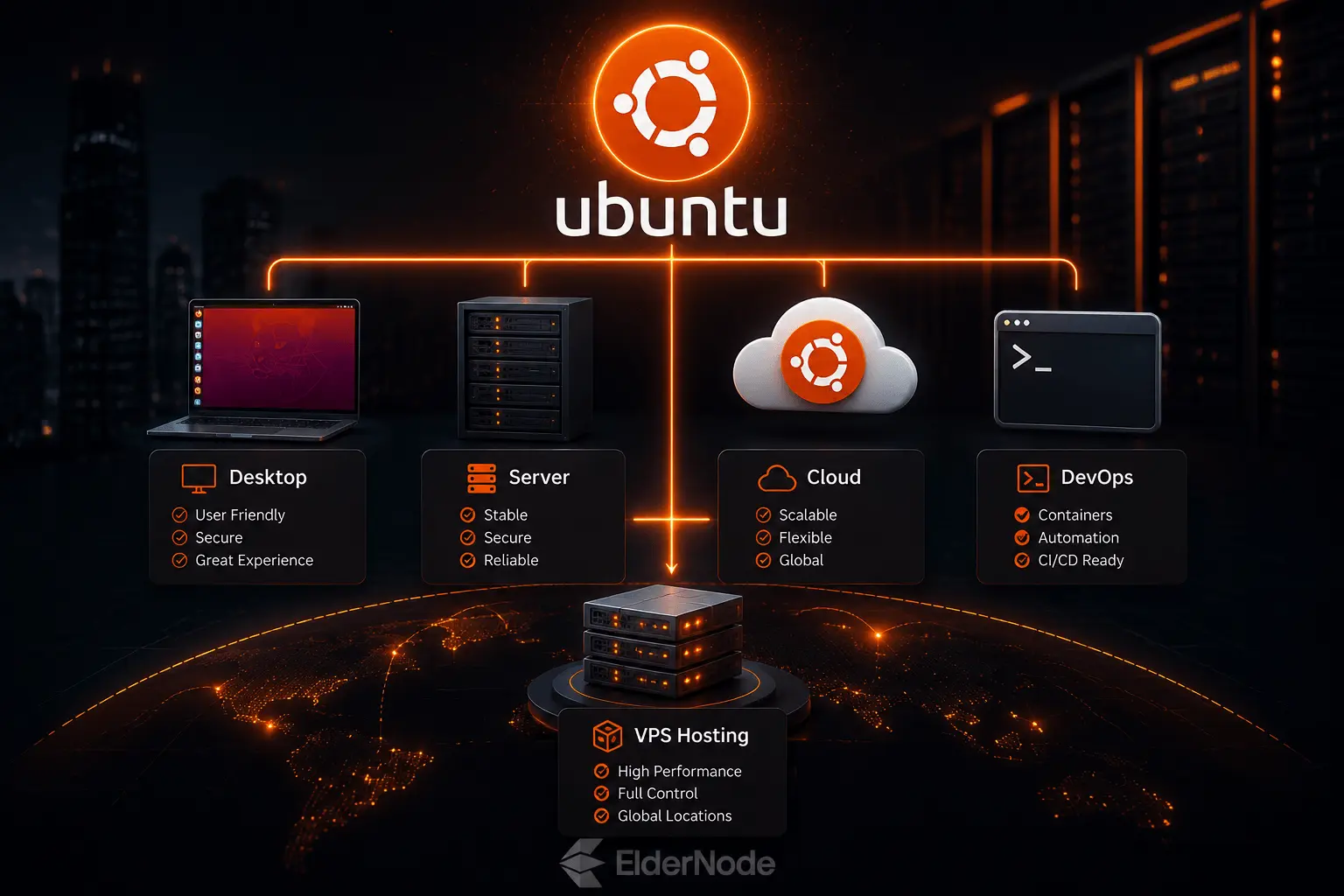
Ubuntu also presents a far more coherent case when it comes to enterprise use. Ubuntu Pro Desktop adds security updates across a much broader open-source stack, along with management tooling, compliance options, livepatching, and support tiers that scale to whatever your needs actually are. If you’re running a company or writing code professionally, Ubuntu is the clear choice here, not a close call. And even if all you need is a desktop that works smoothly within business Linux infrastructure, Ubuntu still comes out on top.
The trade-off is that Ubuntu’s default desktop can feel a bit heavier and less old-school compared to Mint. Ubuntu Desktop 26.04 LTS isn’t shy about its appetite either, it wants 6 GB of memory and 25 GB of storage just to run comfortably. However, if your machine’s specs are on the lower end, Ubuntu actually points you toward lighter official flavors like Xubuntu or Lubuntu instead.
Ease of use
For new Linux users, Mint’s usually the easier ride on day one. The interface is predictable, the default tools just make sense, and you don’t have to relearn basic navigation. If what you’re mostly doing is browsing, email, documents, media, light gaming, and everyday productivity, Mint is a really solid pick.
Ubuntu’s still friendly for beginners too, but it’s got more of its own workflow going on. If you’re into GNOME’s search-first style, you might actually end up preferring Ubuntu. Meanwhile, if you’re the type who wants that classic start-menu feel, you’ll probably lean toward Mint. Ubuntu also pulls ahead on documentation, community support, certified hardware info, and sheer name recognition among laptop makers and software developers.
Software and package management
Both distros can install Debian packages and rely on APT under the hood. Still, day to day, the way the software actually feels to use just isn’t quite the same. Ubuntu’s App Center handles both Snap and Debian package formats without any hassle. When an app’s available in both formats, Ubuntu’s docs say the Snap version gets listed first.
Mint tends to appeal more to people who like a traditional desktop software experience and aren’t big fans of the Snap-first approach. Specifically, it offers Software Manager, Update Manager, and the whole snapshot thing. Mint just ends up feeling more stable, cautious, and easy to keep running.
Performance and older hardware
Got an older laptop or a modest desktop gathering dust? Mint’s usually the better bet, especially if you reach for Xfce or MATE. Mint’s own installation guide doesn’t sugarcoat it, Xfce’s the lightest of the bunch, while MATE runs faster and feels a bit more old-school than Cinnamon.
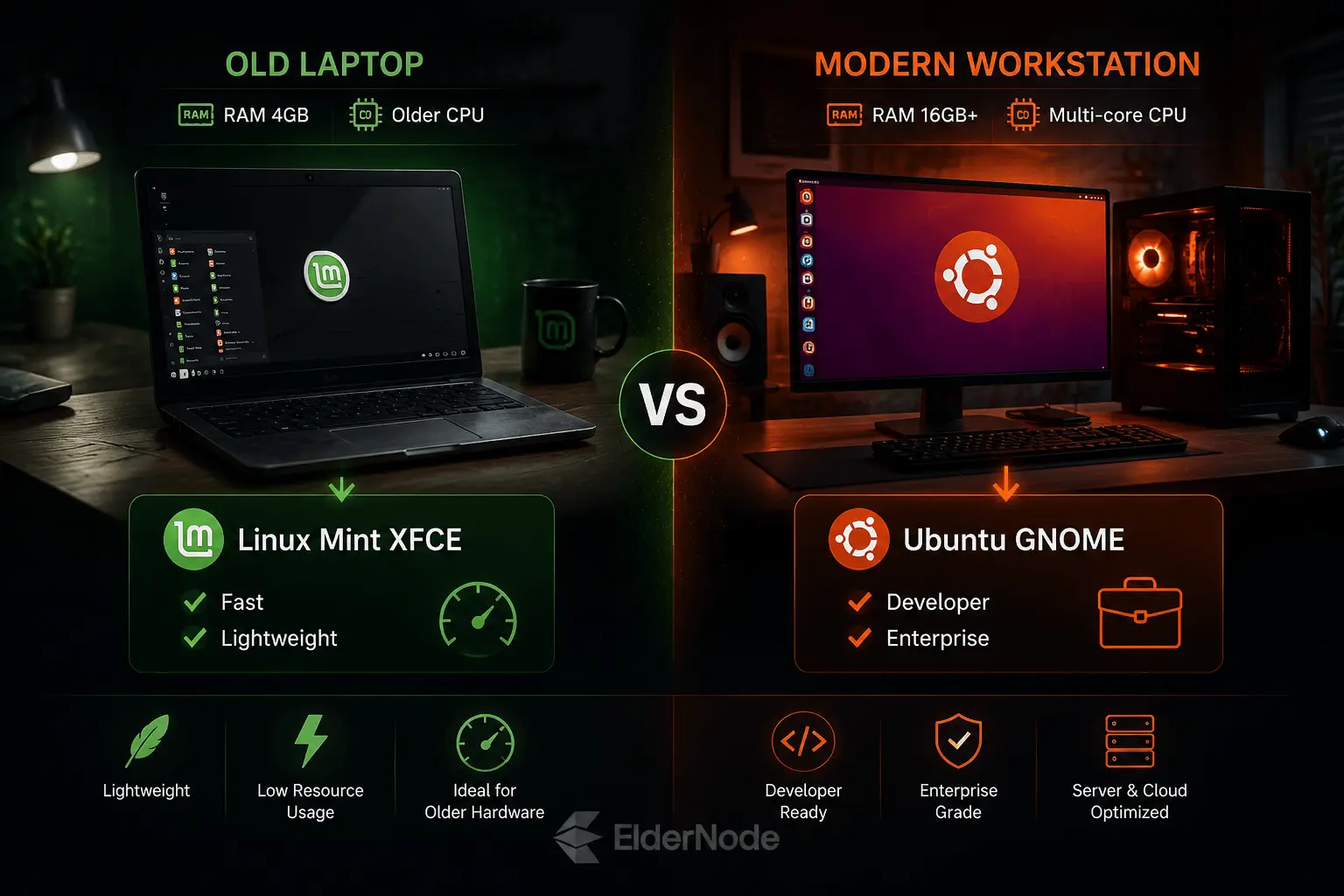
Ubuntu can still run just fine on modern hardware, and it’s often excellent on certified laptops and workstations. But if your machine’s on the lower end, you’re probably better off with Mint Xfce, Xubuntu, or Lubuntu rather than the default Ubuntu Desktop. Ubuntu’s own release notes actually point lower-spec users toward these lighter flavors too.
Development, servers, and VPS use
For just desktop use, both Mint and Ubuntu can handle it fine. However, when it comes to server admin, cloud work, DevOps, or VPS hosting, Ubuntu is usually the stronger pick. That’s because it’s so widely supported across hosting environments and has its own dedicated server edition. Mint, on the other hand, is really built as a desktop distro, so it’s not the go-to for production VPS setups.
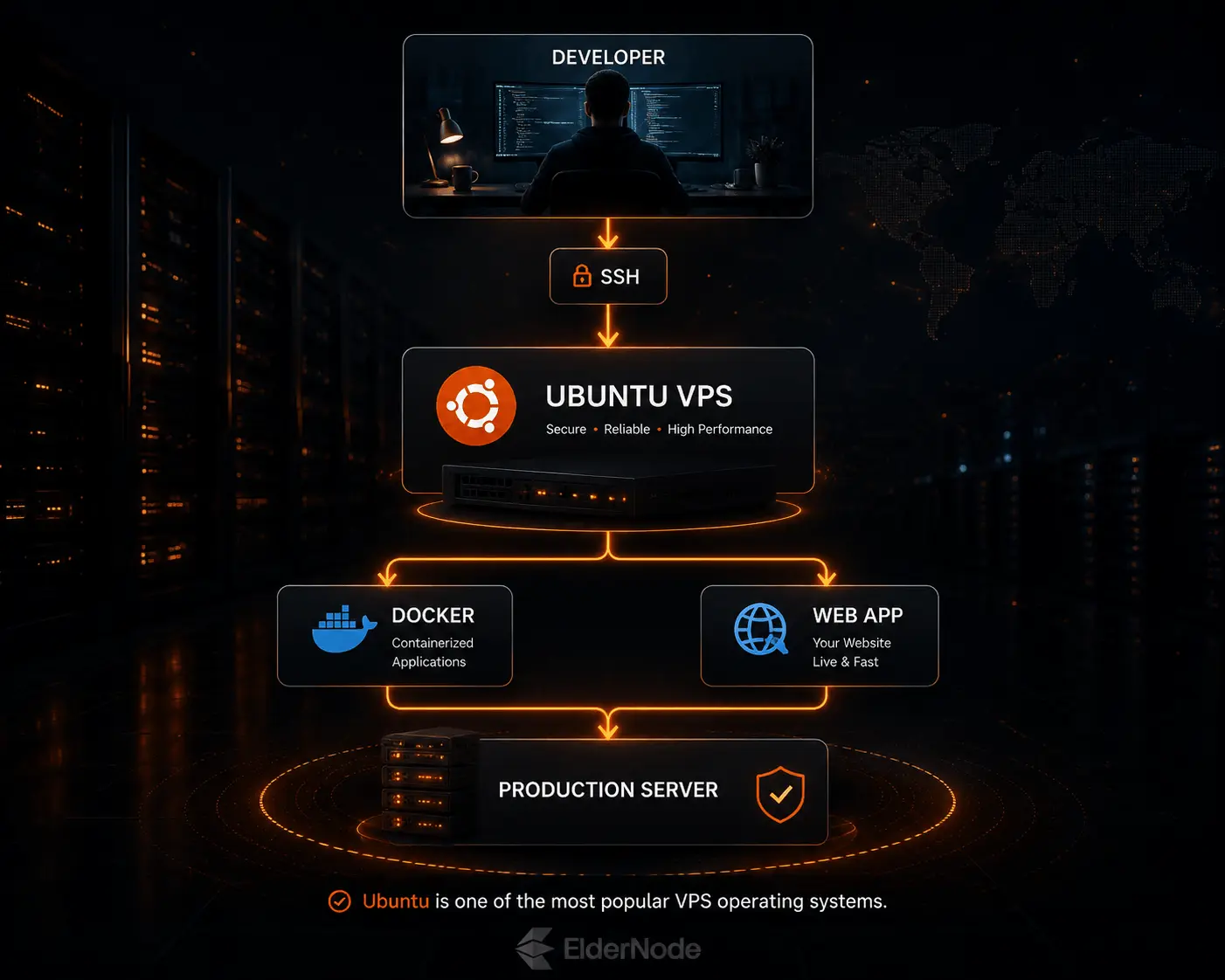
If you’re planning to run Linux on a virtual server, it’s worth going with Ubuntu on a Linux VPS from Eldernode instead of installing something desktop-focused. Eldernode’s USA VPS page lists both Linux and Windows OS options. On the Linux side you’ll find things like Ubuntu, Debian, Fedora, SUSE, and CentOS.
Pros and cons
Linux Mint pros
- Feels like slipping into an old pair of shoes, especially if you’re jumping ship from Windows
- Comes in three flavors, Cinnamon, MATE, Xfce, so there’s one for pretty much every taste
- Genuinely one of the friendlier landings for someone brand new to Linux
- Updates roll out at a calm pace, and the snapshot feature means you’re never one bad update away from disaster
- Just a joy to use for the regular stuff: emails, docs, movies, the occasional game
Linux Mint cons
- Not really built with servers or VPS hosting in mind, so don’t expect it there
- The enterprise world hasn’t embraced it the way it has Ubuntu
- Sometimes the newer under-the-hood stuff takes a bit longer to trickle down compared to Ubuntu’s LTS releases
- Cinnamon has its charm, but next to GNOME it can feel a touch dated to some eyes
Ubuntu pros
- Practically the face of desktop Linux at this point, everyone’s heard of it
- Equally at home on your laptop, a cloud server, or a developer’s workstation
- The current LTS release sticks around for years, so you’re not reinstalling every six months
- Ubuntu Pro is there if you need extra security muscle or management tools
- Honestly hard to beat if you’re doing anything server or VPS related
Ubuntu cons
- GNOME takes some getting used to if you’ve never left the Windows world
- Wants a bit more horsepower than Mint’s lighter editions
- The whole Snap-first thing rubs some users the wrong way
- If you’re craving that classic desktop feel, Mint will probably win your heart faster
Final recommendation
Honestly, it comes down to what you want out of your computer. Want something that just works, feels familiar, and doesn’t need babysitting? Go with Mint. It’s perfect for beginners, ex-Windows users, or anyone who just wants to check email and get on with life.
Planning to code, host something, or eventually touch a server or VPS? Ubuntu’s the smarter long-term bet. It’s the one that won’t box you in later.
So, quick and simple: Mint for comfort, Ubuntu for growth.