Special Offer



Zorin vs Linux Mint: Which is Better?

 Study duration :
9 Minutes
Study duration :
9 Minutes  0 Comment
I know, switching to Linux feels like a massive leap, but honestly? It’s way less of a headache than you’d expect. If you’re coming from Windows and trying to pick a distro, you’ve probably noticed that everyone is talking about Zorin OS and Linux Mint. Both are great, super user-friendly, and perfect for beginners, but they definitely have different vibes. In this guide, we’ll break down Zorin vs Linux Mint in detail so you can figure out which one is actually going to work for you.
Desktop Environments and Customization
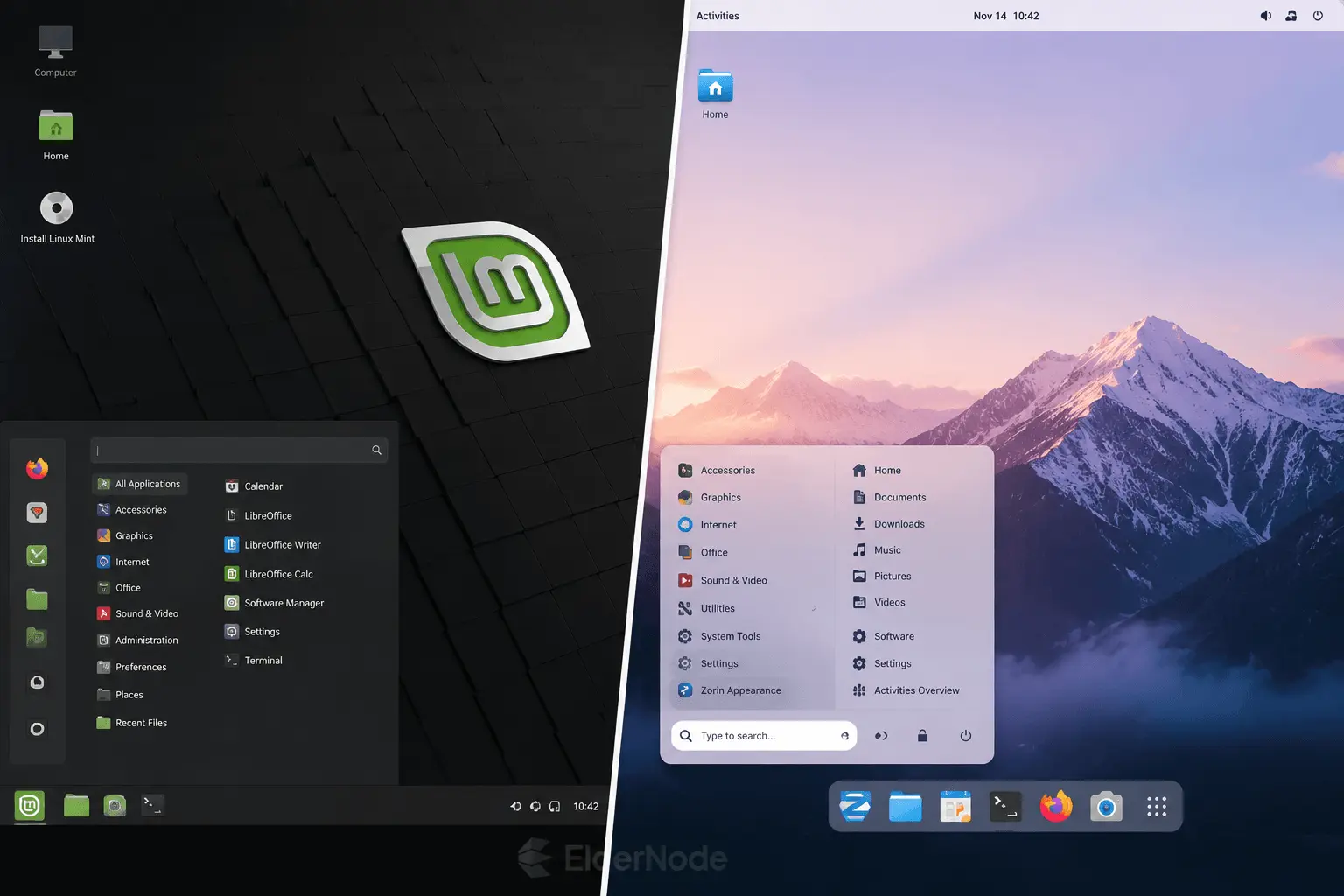
First thing you’ll feel? The vibe. If you’re a fan of a classic, no-nonsense desktop, Linux Mint’s Cinnamon environment is pretty hard to beat. It feels familiar right from the get go, you don’t have to spend hours tweaking things just to make it usable; it just works.
Zorin, though, leans heavily into the aesthetic side of things. It’s super polished, and if you like customizing your workspace, you’ll love their ‘Appearance’ app. It makes changing your layout feel effortless. Plus, if you grab the Pro version, you get these really sleek macOS and Windows 11-inspired looks that actually look native.
But honestly, the real deal-breaker for me is Zorin Connect. If you’re constantly juggling your phone and your PC, it’s a lifesaver. Being able to sync your notifications, toss files over to your phone, or even use it as a remote control for your computer, without any of the usual setup headaches, is a total game-changer.
Hardware and Performance
When it comes to performance, honestly, both systems are rock solid. That said, each one performs a bit differently depending on your hardware.
If you’re trying to breathe new life into a dusty old laptop, Linux Mint is usually the go-to. Its hardware requirements are super forgiving, and the XFCE version is widely considered the gold standard for light, snappy performance on older machines. It just gets out of your way so you can focus and get things done.
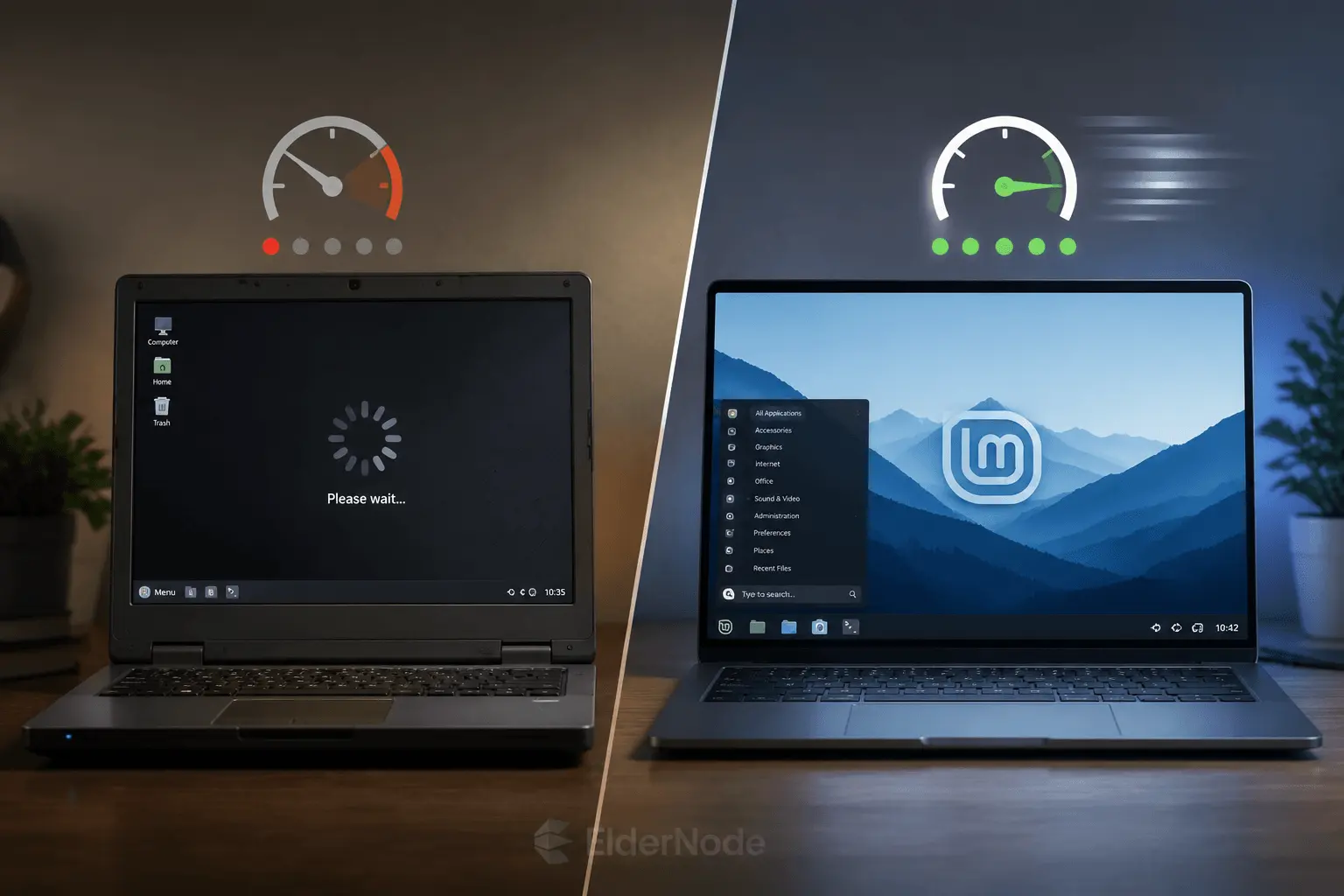
That said, it’s a really close race. Zorin’s ‘Lite’ edition is fantastic, too. It’s surprisingly good at making a machine that’s ten years old feel modern again, and it doesn’t sacrifice that polished, premium look you’d expect from a newer OS. Either way, you’re in good hands, you can pick either one and be fine.
Software Ecosystem and Package Management
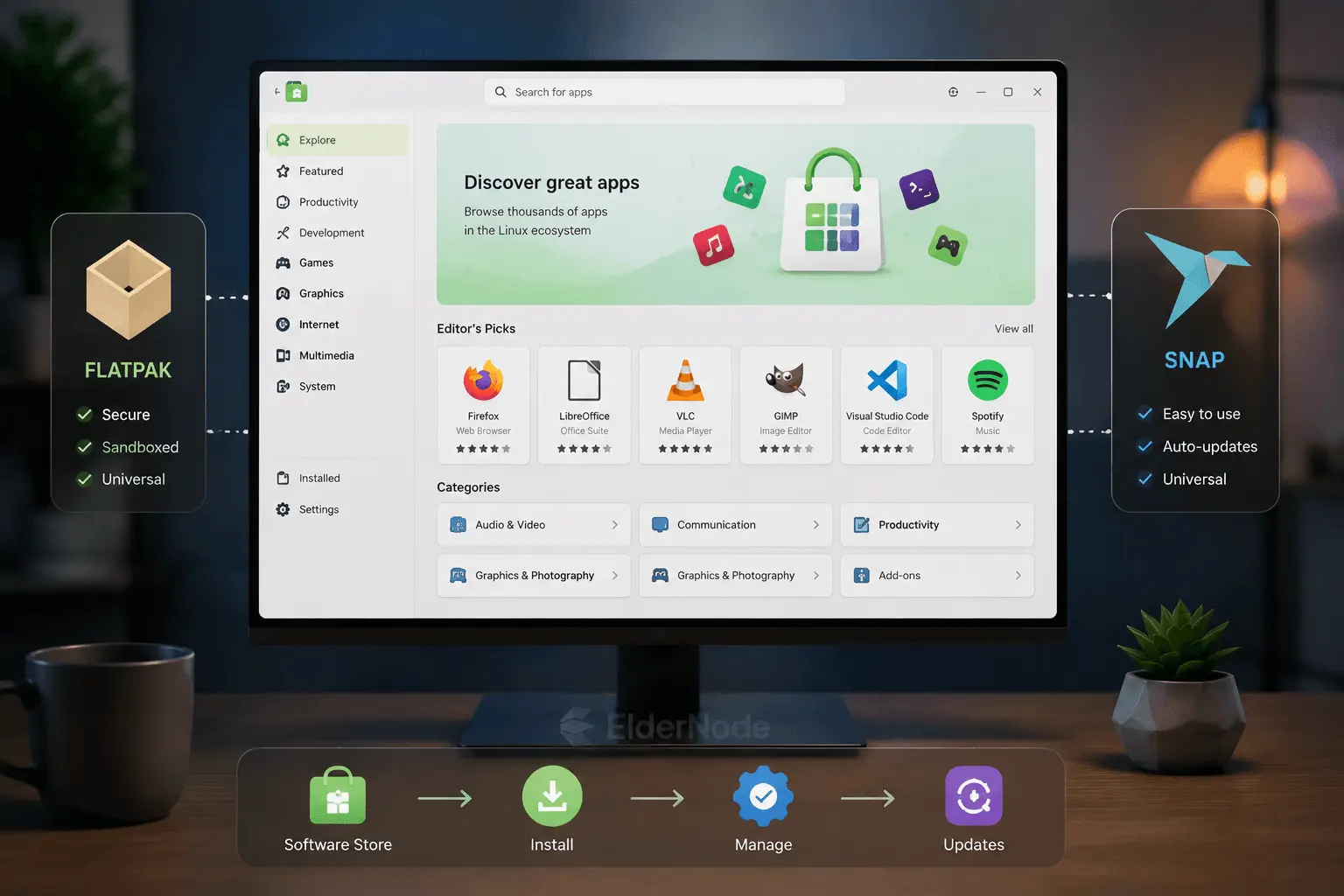
If you’re wondering how to actually get your apps installed, don’t worry, both Mint and Zorin make it super simple. They both have these clean, graphical app stores that feel very familiar if you’re coming from Windows.
The real difference comes down to how they handle different app formats. Zorin comes with Flatpak and Snap support ready to go right out of the box, so you rarely have to fiddle with anything. Mint, on the other hand, takes a slightly different approach; they’re big fans of Flatpak but keep Snap disabled by default. You can turn it on if you really need to, but they prefer to keep things a bit more streamlined.
And for those who like to tinker a bit more, there’s always the ‘Linux Mint Debian Edition’ (LMDE). It’s a cool alternative that’s built directly on Debian instead of Ubuntu. It gives Mint that extra bit of flexibility and stability that some power users really love, definitely a factor worth keeping in mind when you’re weighing your options.
Stability and System Maintenance
When it comes to stability, you really can’t go wrong with either one, both are built on rock-solid foundations. Still, taking care of your system is key. If you go with Mint, do yourself a favor and set up Timeshift right after you install it. It’s a total lifesaver that takes snapshots of your system, so if anything ever goes sideways, you can just roll back without losing your files.
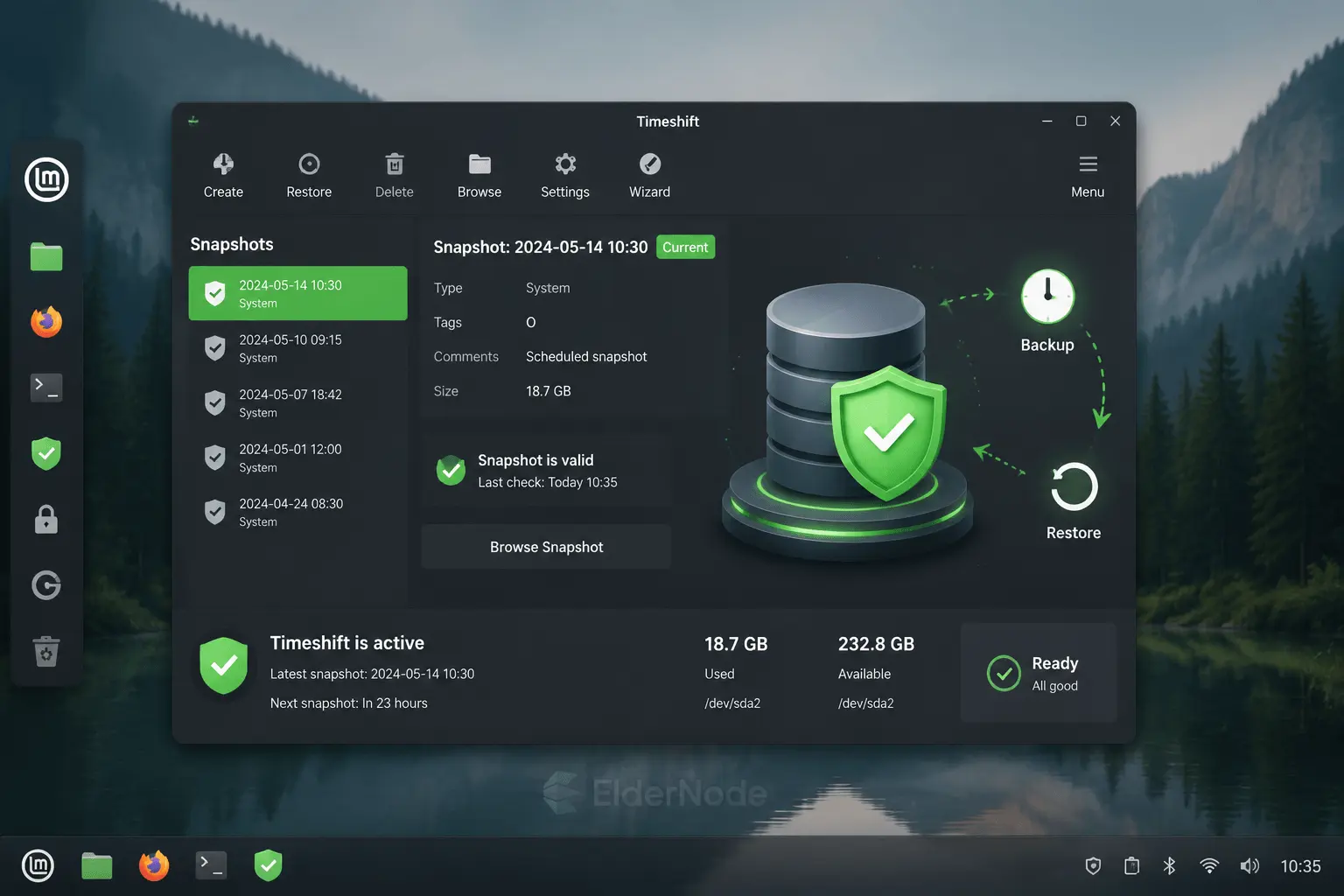
As for Zorin, it really shines when it comes to those annoying hardware quirks. If you’re struggling with something like proprietary Nvidia drivers or a Wi-Fi card that just won’t behave, their ‘Additional Drivers’ utility makes it incredibly painless to sort out. It’s one of those ‘set it and forget it’ tools that just handles the heavy lifting for you.
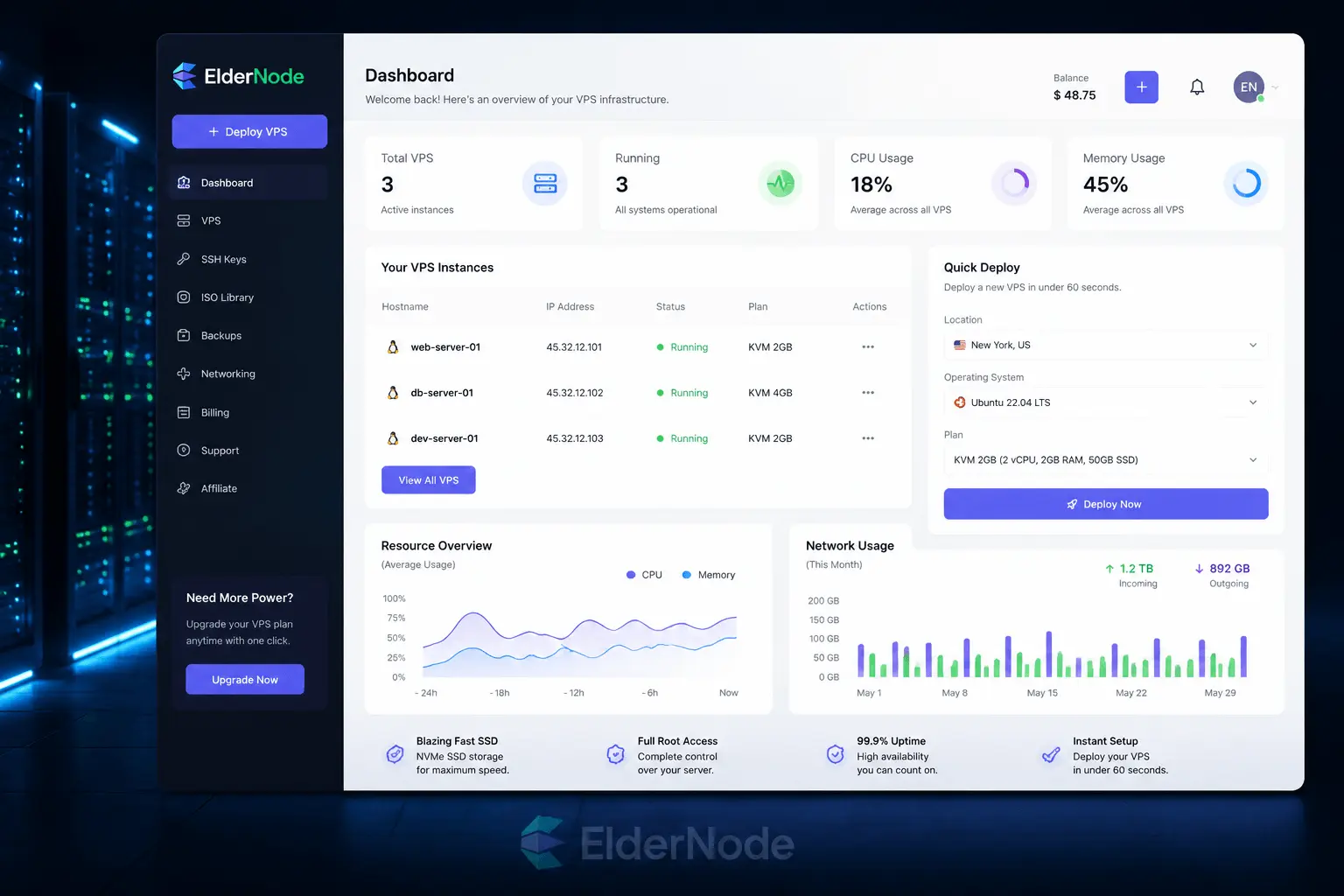
If you want to test Linux Mint or Zorin OS on a fast VPS, you can try a pre-configured Linux VPS in under 60 seconds.
The Final Verdict
So, where do you land? Just go with what feels right.
If you’re the type who wants a ‘set it and forget it’ system that’s rock-solid, super stable, and comes with a massive community to back you up, you really can’t beat Linux Mint. It’s a classic for a reason.
But, if you’re looking for something that feels a bit more modern, something that looks slick right out of the gate and makes juggling your phone and PC feel totally seamless, you’re going to love Zorin OS. It’s got that extra bit of polish that just makes the whole experience feel premium.
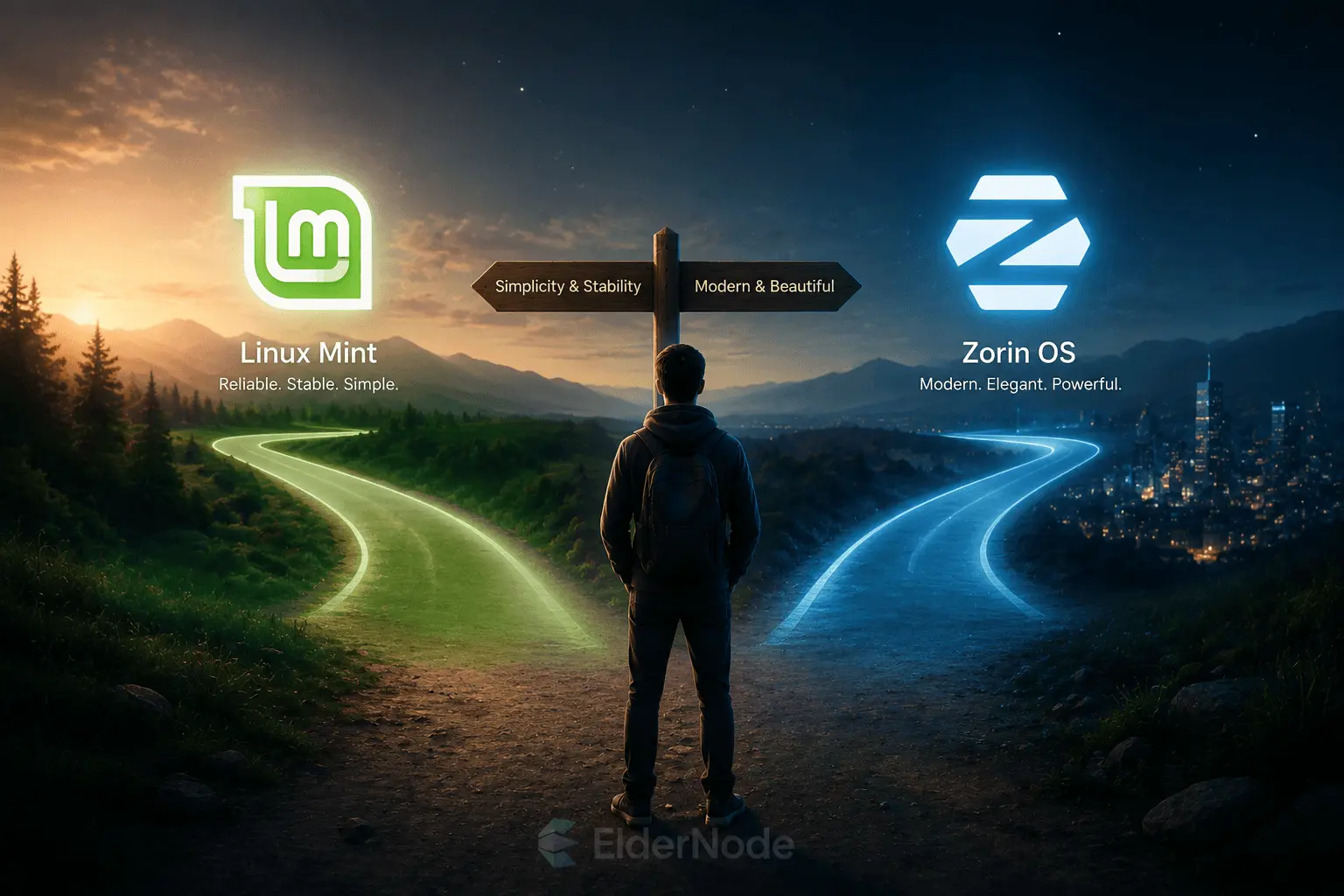
At the end of the day, there’s no wrong choice here. Either way, you’re ditching the bloat of your old OS and getting a fresh, clean start. It’s a total upgrade, no matter which one you pick.