Special Offer



How to Run Profit Trailer on Japan Windows VPS
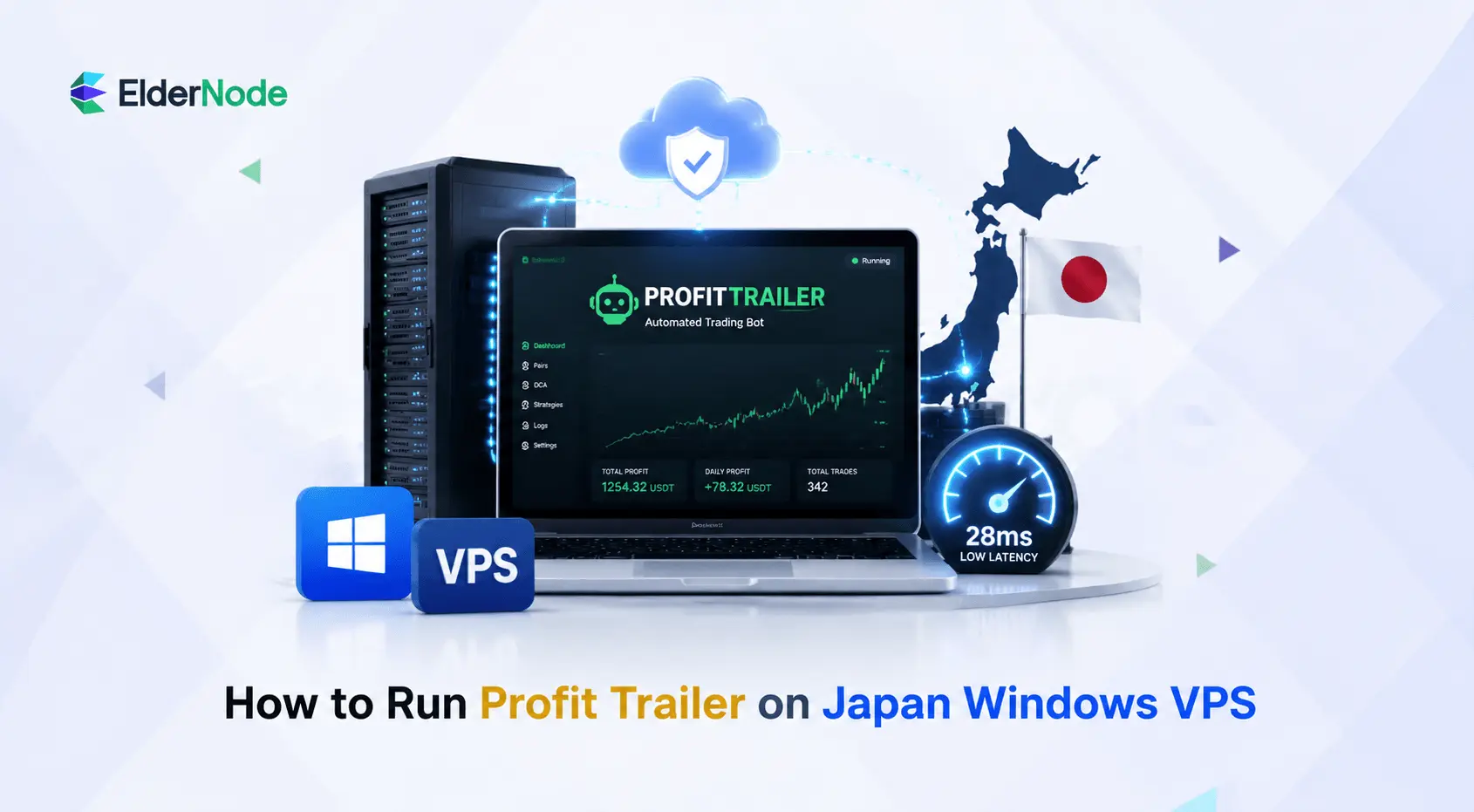



Let’s be real, the crypto market doesn’t take breaks, and for those of us taking it seriously, tools like Profit Trailer come in handy. but, running a bot on your personal laptop is just asking for trouble. You need something that won’t quit on you, which is why many traders choose to Run Profit Trailer on Japan Windows VPS for reliability and uptime.
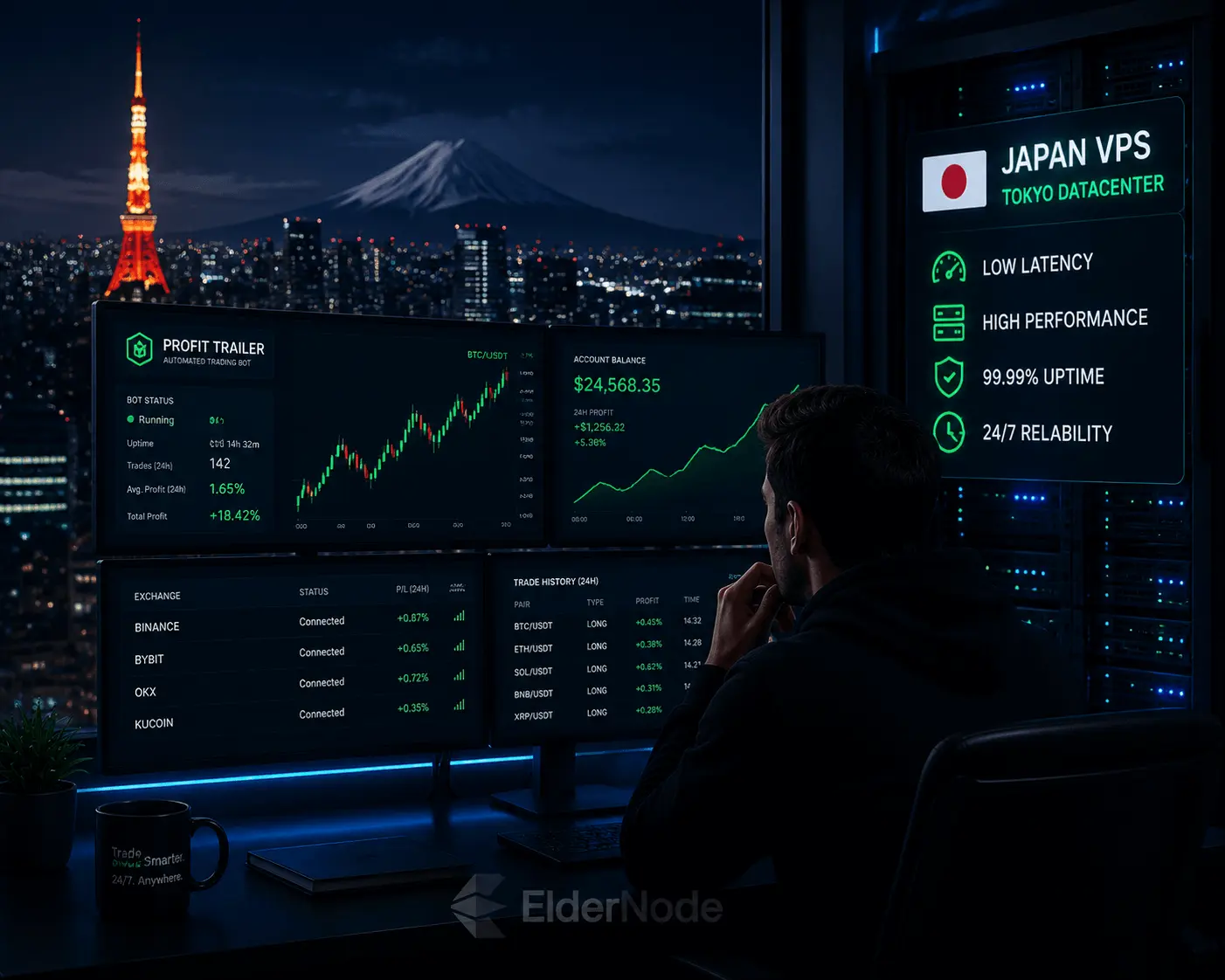
If you’re trading on exchanges like Binance, Bybit, or OKX, you’re already playing in an ecosystem that leans heavily on servers in Asia. Because of that, moving your bot to a Windows VPS based in Japan can reduce latency and improve execution speed when trading on Asian exchanges.
Why Japan VPS Location Matters for Crypto Trading Bots
At the end of the day, trading comes down to speed. Every time your bot spots a trade and sends an order, that data has to physically travel from your server to the exchange. In the world of crypto, those milliseconds of travel time, what we call “latency”, can be the difference between a great trade and a missed opportunity.
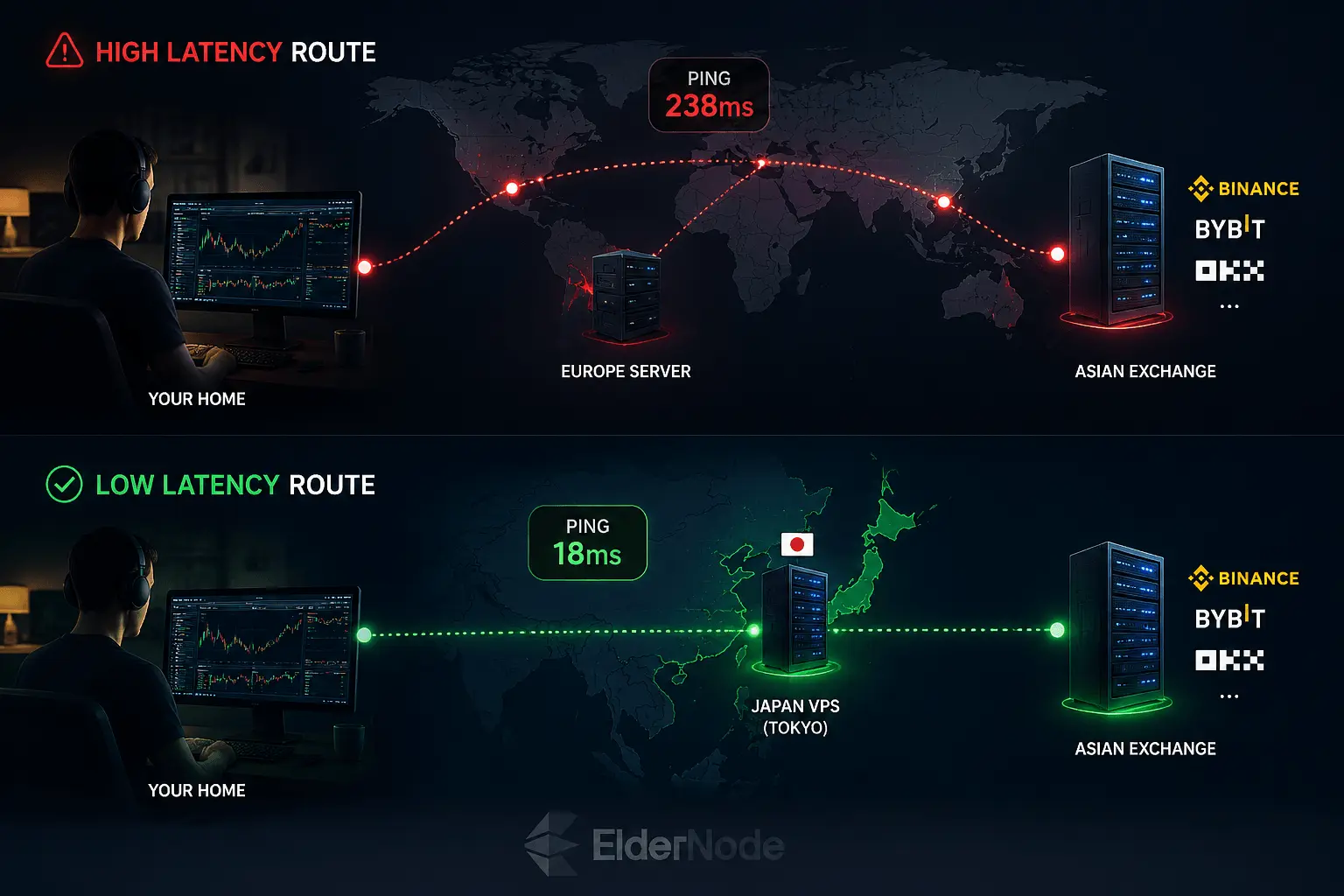
By hosting your bot in a Tokyo data center, you’re basically putting your setup in the exchange’s backyard. Because you’re geographically closer to the main servers of these big Asian platforms, your orders hit the market almost instantly. This is a lifesaver when the market gets wild; it means your trades execute exactly when your strategy tells them to, helping you avoid that annoying “slippage” that eats into your profits.
Understanding Hardware and OS Requirements
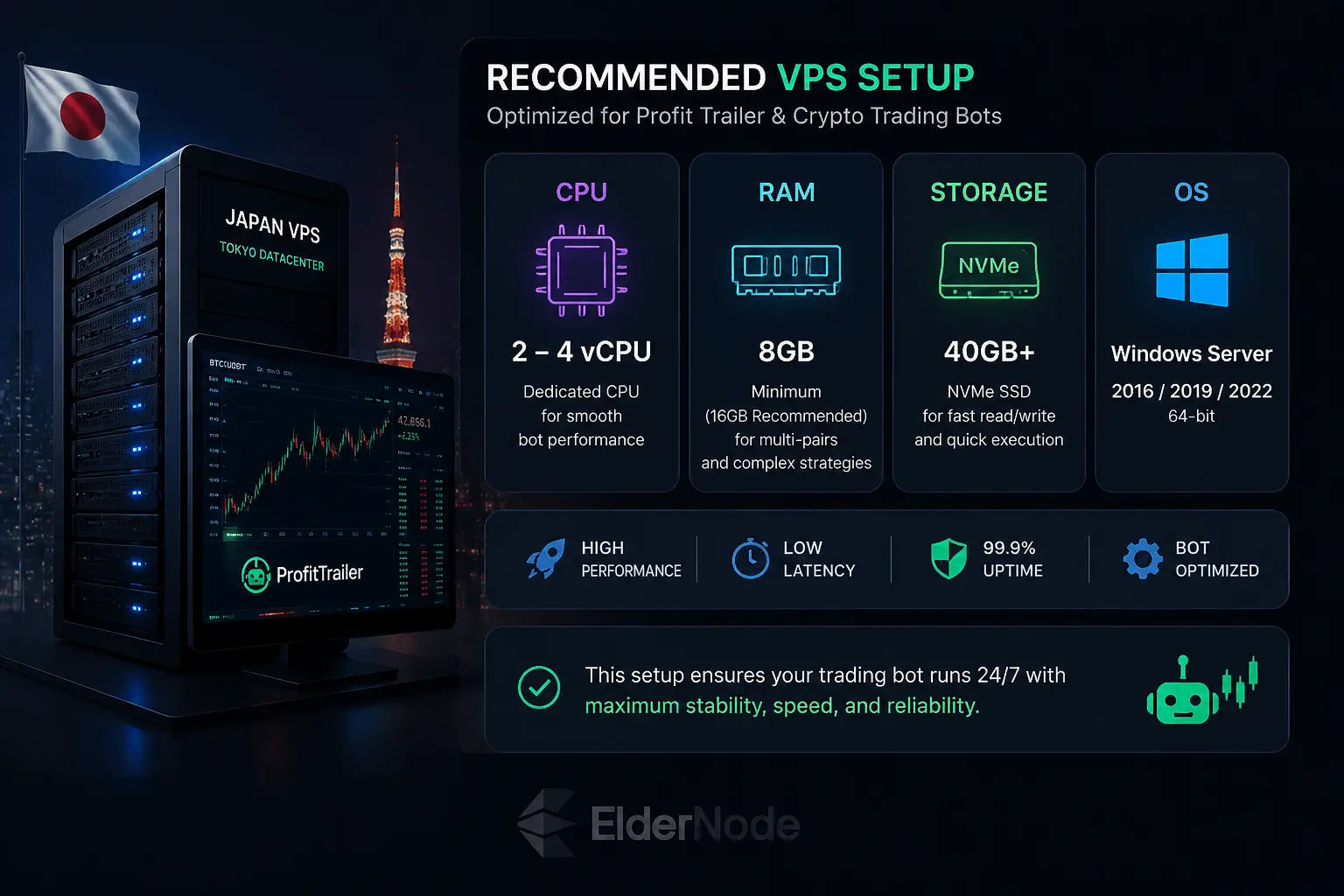
Since Profit Trailer is a Java-based app, it’s not too demanding on its own. But as soon as you start adding more trading pairs and layering on complex strategies, it’s going to start eating through your memory. Here’s what I recommend to keep things running smooth:
CPU: Don’t go lower than 2 vCores.
RAM: 4GB is the bare minimum, but honestly? Aim for 8GB to 16GB.
Storage: Go for at least 40GB of SSD space. Definitely try to get an NVMe drive, the faster read/write speeds make everything feel a lot snappier.
Step-by-Step Profit Trailer Setup on Your VPS
Now that you’ve got your server, it’s time to get your bot online.
1. Logging into your server
First, let’s get you connected to your remote desktop:
On Windows: Just hit your Start menu, type “Remote Desktop Connection,” paste in the IP address your host gave you, and sign in.
On macOS, just open the App Store and download “Microsoft Remote Desktop”.
2. Getting the bot installed
Once you’re “inside” the remote desktop, treat it like your own PC:
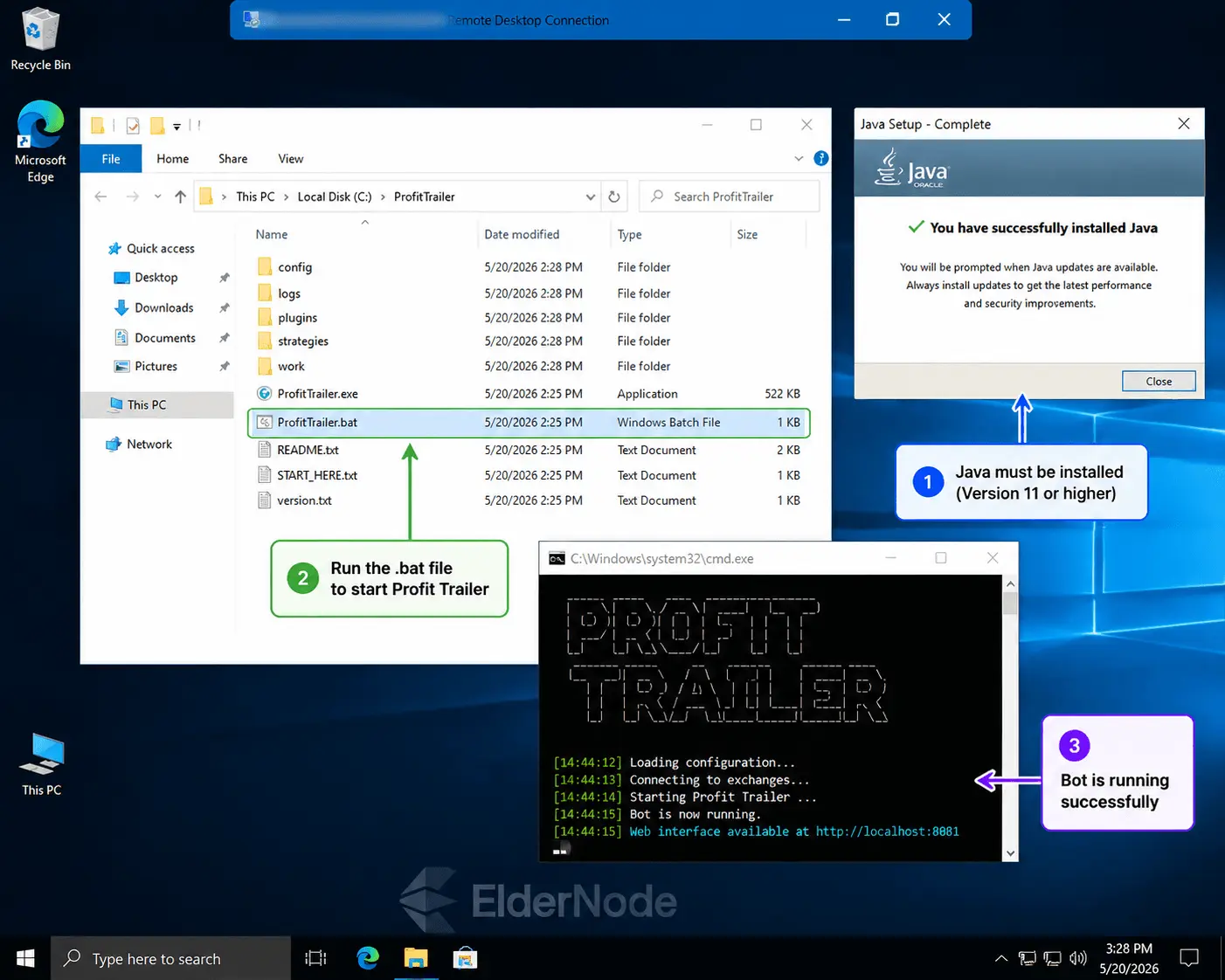
Java first: Profit Trailer needs Java to work its magic. Grab the latest version (11 or higher) and install it.
Grab the bot: Head over to the official Profit Trailer site or their GitHub, download the Windows version, and you’re good to go.
Start the Bot: Unzip the folder some where easy to find, like C:\ProfitTrailer.
3. Setting your strategy
Once the bot initializes, it’ll open up a local web page for you (usually http://localhost:8081) right there in the VPS browser. This is where you’ll set up your API keys, select the trading pairs, and adjust your buy and sell strategies.
Optimization and Security Best Practices
You need to treat your VPS like a high-performance machine.
Optimizing Windows Server Performance for Bot Trading
Windows runs several background processes that are unnecessary when you’re trading. Let’s clean it up:
Head into System Properties > Advanced > Performance and select “Adjust for best performance.” It won’t look pretty, but it’ll free up resources for the stuff that actually matters.
You do not want your server rebooting in the middle of a massive price swing because Windows decided to update. Turn off automatic updates and handle them manually when the market is dead quiet.
Go “High Performance”: Check your power settings and make sure it’s locked to “High Performance.” You want your CPU running at full speed, not throttling down to save power.
Securing Your Trading VPS with Firewall Settings
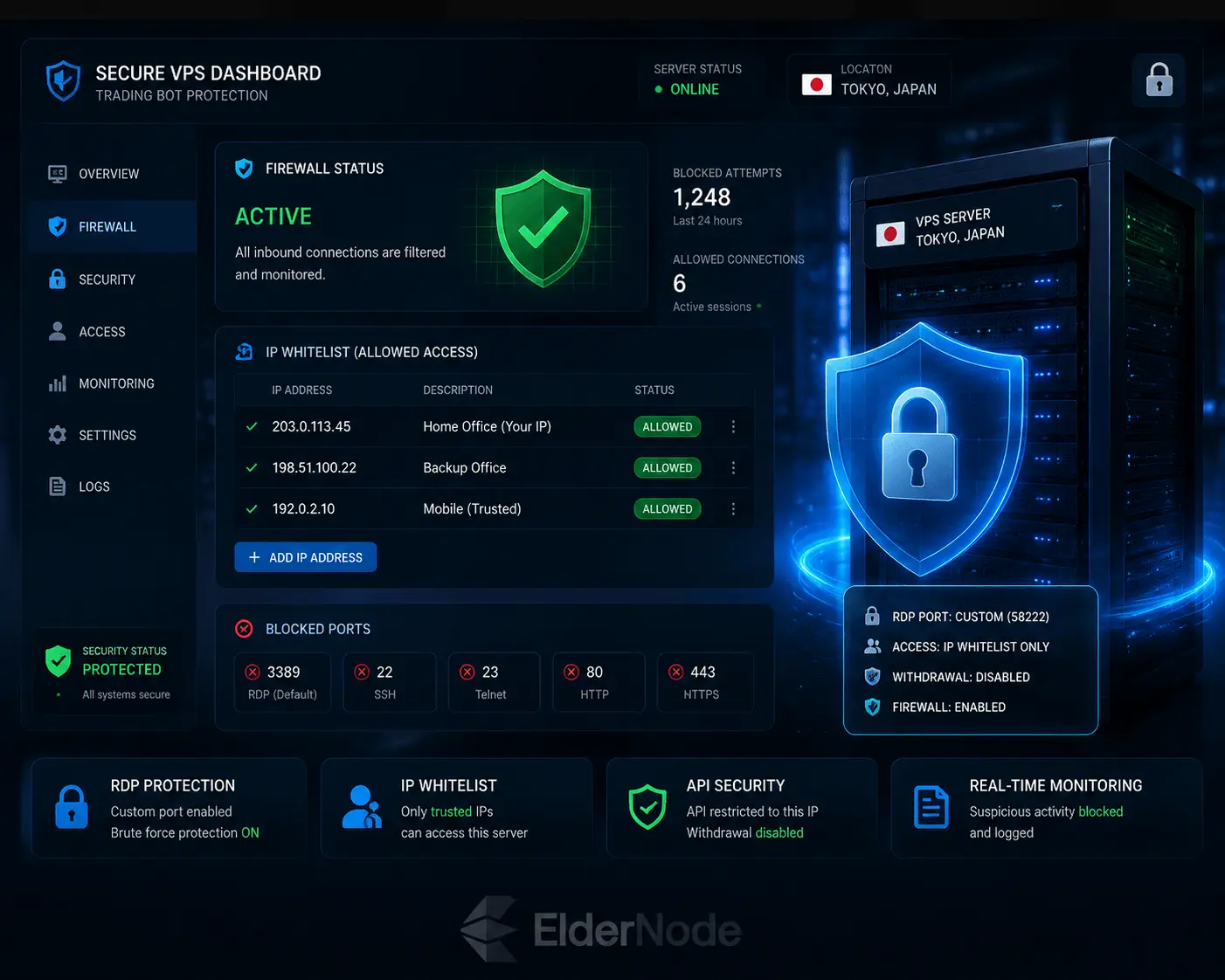
Security is essential when running a trading bot, since API keys give direct trading access to your exchange account.
Hide your RDP port: Hackers scan port 3389 all day. Change your Remote Desktop port to something custom to keep the bots from knocking on your door.
Lock it to your IP: Use the Windows Firewall to white list only your home IP address. If it’s not coming from your internet connection, the server shouldn’t even let them try to log in.
API safety is non-negotiable: Go into your exchange settings and restrict your API keys to only accept requests from your VPS’s IP. And for the love of crypto, never, ever enable “Withdrawal” permissions on those keys. Your bot doesn’t need to move money out of the exchange, only trade.
Maintaining 24/7 Uptime for Crypto Bots
The whole point of this is uptime. If the bot crashes while you’re asleep, you’re missing out.
The “Auto-Restart” trick: Use Windows Task Scheduler to keep an eye on your bot. If the ProfitTrailer.cmd script dies, you can set it to automatically restart. It’s a lifesaver.
Use a watchdog: Sign up for something like UptimeRobot. It’ll ping your server every five minutes and text or email you immediately if the server goes dark.
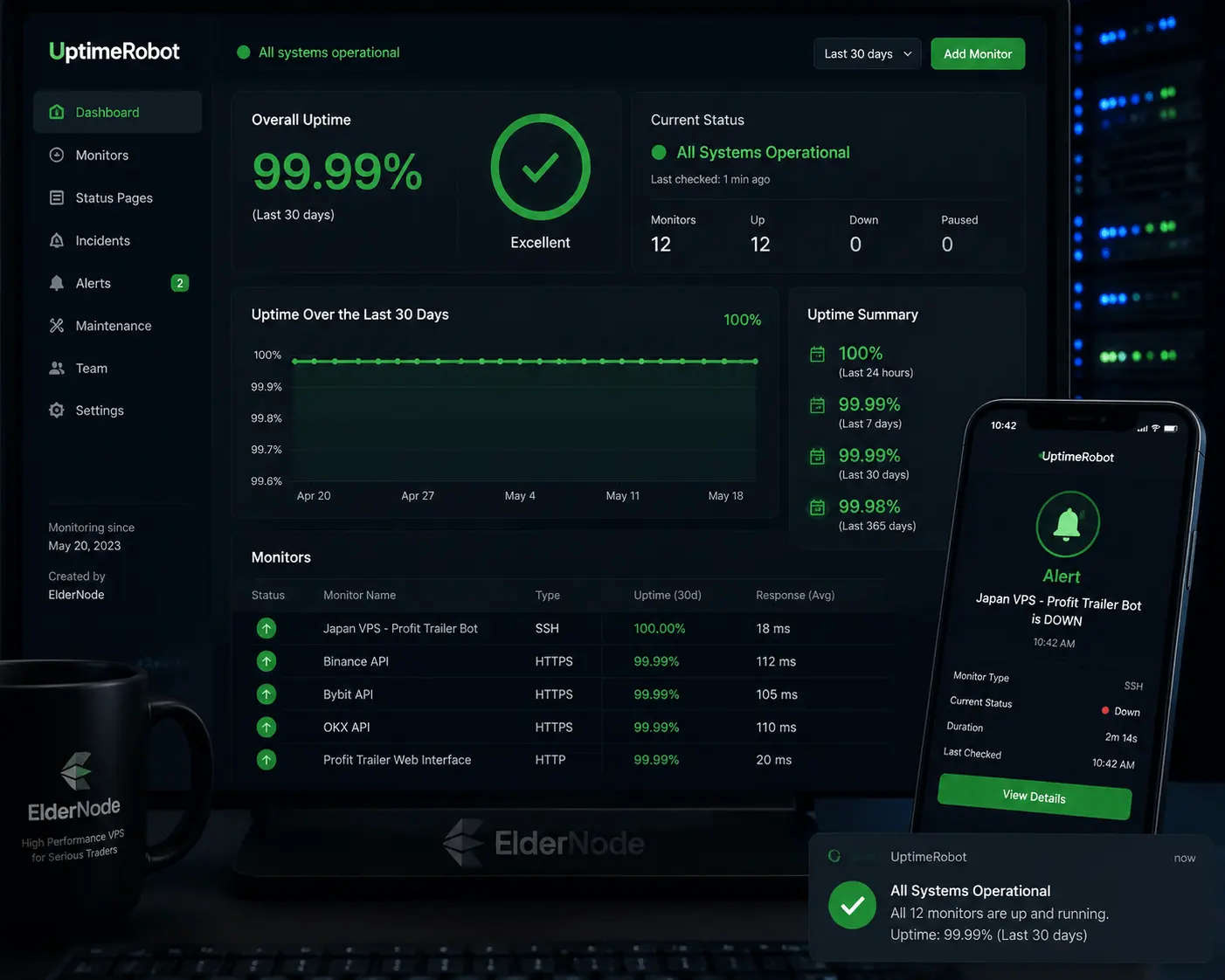
Note: In real setups, even a 20–40ms latency difference can affect order execution during high volatility.
Even small improvements in latency can make a difference during volatile market conditions where orders are executed in milliseconds.
Final Thoughts
Setting up an automated trading bot is a huge step toward building a real, passive income stream in the crypto space. Using a stable Japan-based VPS helps ensure consistent execution, reduced latency, and 24/7 trading reliability. You’re no longer fighting with lag, shaky home internet, or hardware crashes, you’re trading with the kind of speed and stability that actually gives you an edge in the market.
Just stick to the steps we’ve covered: keep your server locked down, keep your resources optimized, and make sure your security is airtight. Once you’ve done the heavy lifting, you can step back and let your bot handle the grind for you, 24/7.