Special Offer



AlmaLinux vs Debian: Best Linux OS for Business

 Study duration :
10 Minutes
Study duration :
10 Minutes  0 Comment
Picking the right operating system for your business server can actually make a big difference, in speed, security, and how smooth everything runs. Honestly, with so many Linux distros out there, it’s easy to get overwhelmed. Two of the ones I see most businesses using these days are AlmaLinux and Debian. In this article, we’ll go through the pros and cons of each, share a bit of real-world experience, and help you figure out which one might actually fit your needs. If you’re ready to try them out, Eldernode offers affordable Linux VPS servers that you can check out and deploy in minutes.
AlmaLinux vs Debian: Key Differences
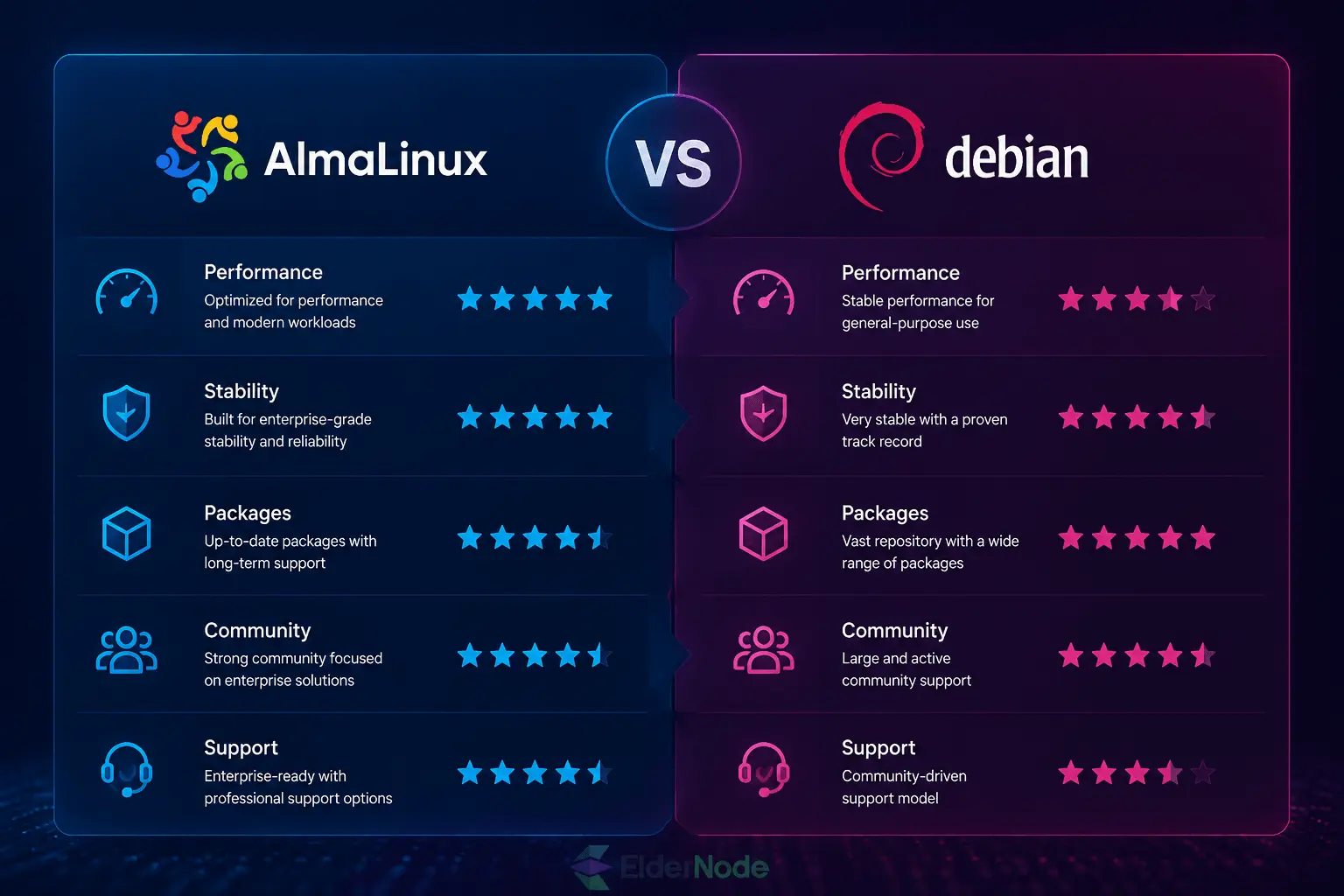
Okay, so you’re thinking about AlmaLinux or Debian for your business server. Honestly, both work, but in different ways. AlmaLinux is kind of like CentOS without the headaches: stable, reliable, and you don’t have to babysit it too much. Debian? Well, it’s a little more hands-on. Tons of packages, lots of community help, but you’ll probably tinker a bit more. The Best way to see what fits for your business? Think about what you actually need your server to do, and maybe even spin up both for a test run, it won’t take long, and you’ll see which one clicks.
Overview of Debian
Okay, so Debian… it’s been around forever, 1993, I think, and people still love it. Why? Well, it just works. You can run it on a server, your laptop, even a desktop if you want. Tons of other Linux versions are based on it, which is kind of cool because it means there’s a huge community keeping things patched and running. Honestly, if you like stability and knowing that help is just a forum post away, Debian’s a solid pick.
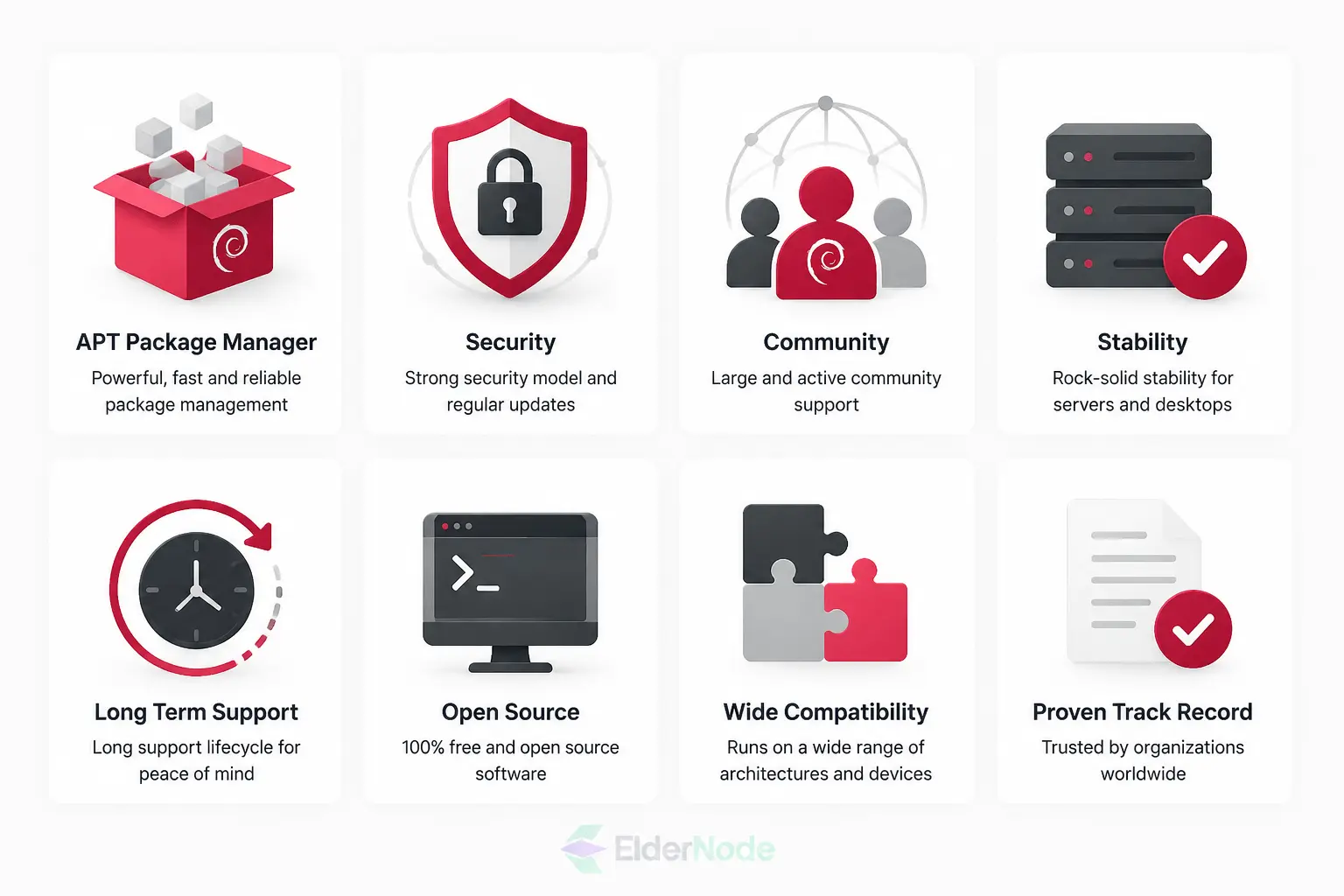
Debian Advantages – Quick Take
APT Packages – Honestly, installing stuff is a breeze. Want a web server? Done. Database? Easy. Most things you need are ready to go.
Security – Updates pop up all the time, keeps things safe without much fuss.
Community – Huge. You get stuck? Someone somewhere has already solved it.
Stability – This is the main thing. Your server isn’t going to crash randomly.
Software Support – Most Linux apps just work here. Saves a ton of headaches.
💡 Tip: Try setting up a small test server. You’ll see quickly why people stick with Debian for years.
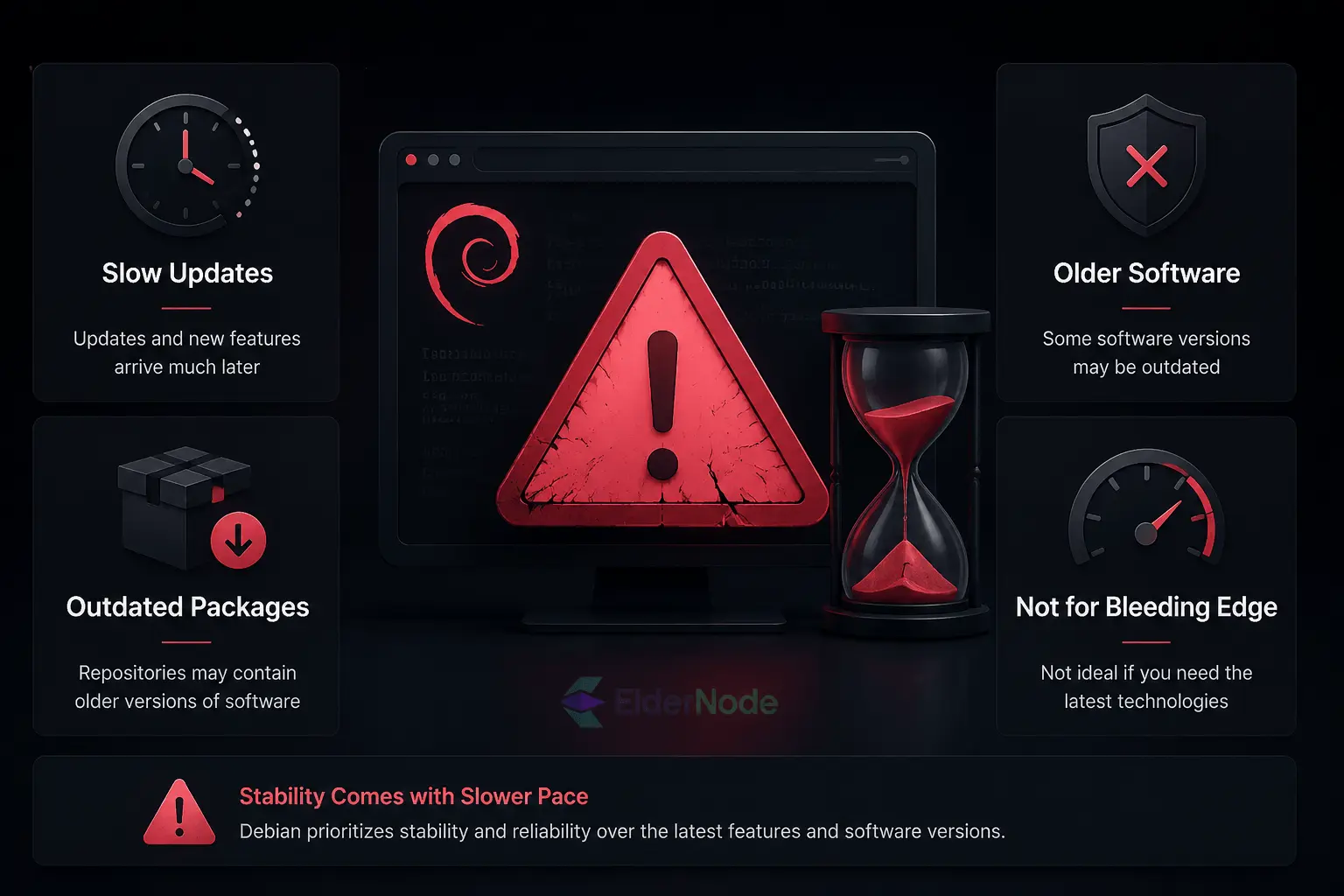
Debian Disadvantages – What to Watch For
Okay, so Debian isn’t perfect. A few things you might notice:
Old Packages – Sometimes the software isn’t the latest. If you’re chasing new features, you’ll spot it.
Steep Learning Curve – Newbies might feel lost. I mean, some command-line work is unavoidable.
Not Super Friendly – It’s improving, but don’t expect a shiny interface. Takes a bit to get comfortable.
Docs Can Be Weird – The handbook’s good, but the official wiki… kinda outdated and tricky.
Bug Tracker – Reporting stuff can feel old-school and clunky. Don’t be surprised if it takes a bit to navigate.
Honestly? None of this is deal-breaking. Once you get used to it, Debian’s reliability and stability make these tiny annoyances almost invisible.
Overview of AlmaLinux
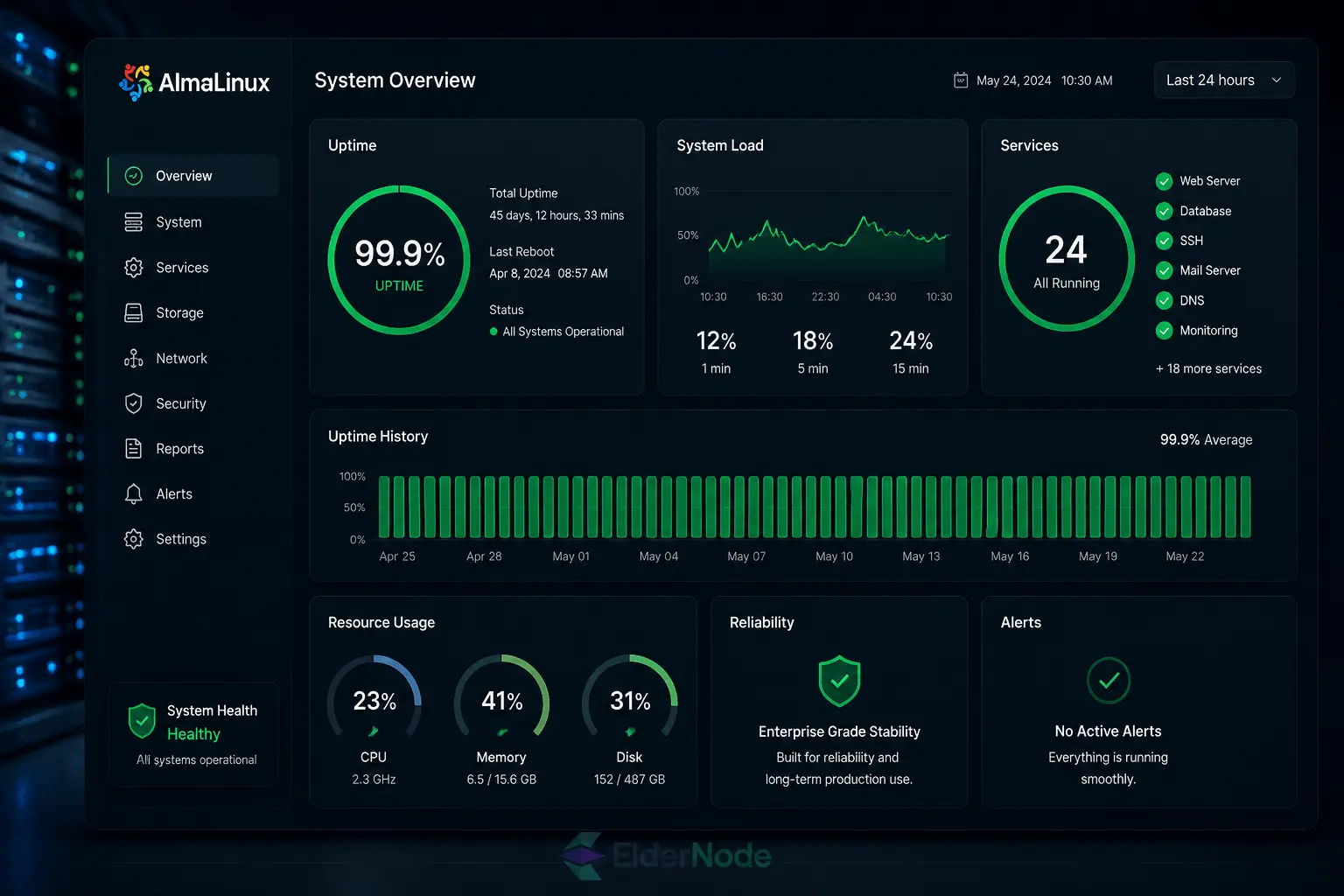
okay, here’s the deal. Think of it as CentOS’s little sibling, stable, solid, and community-driven. Switched a couple of my servers over from CentOS, and honestly? It just works. Security updates come through, things stay reliable, and you don’t have to babysit it all the time. If your business cares about stability and not pulling your hair out, it’s worth a look.
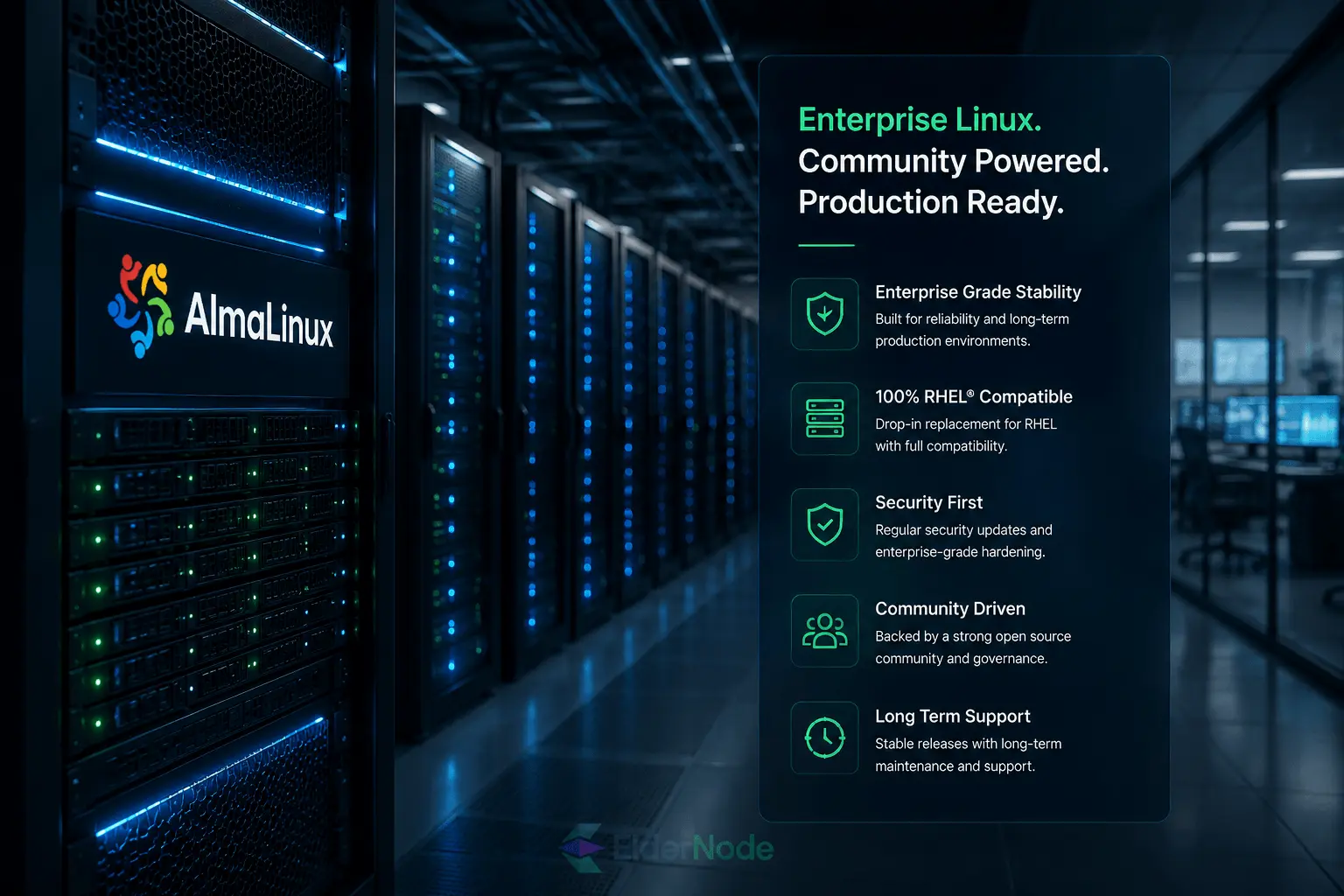
AlmaLinux Advantages – Quick Take
Stable and Reliable – Honestly, I’ve got a couple of servers running on AlmaLinux, and they just keep going. No random crashes.
Long-term Support – Updates show up regularly. You don’t have to babysit your server all the time.
Community driven – People actually fix things fast. I’ve asked questions online and got answers in a few hours.
RHEL Compatibility – Moving from Red Hat? Stuff usually just works. Saved me a ton of headaches.
CentOS Transition – Feels familiar if you’ve used CentOS before. Switching is pretty painless.
💡 Tip: Try a test server for a few days, you’ll quickly see why people stick with AlmaLinux.
AlmaLinux Disadvantages – What to Watch For
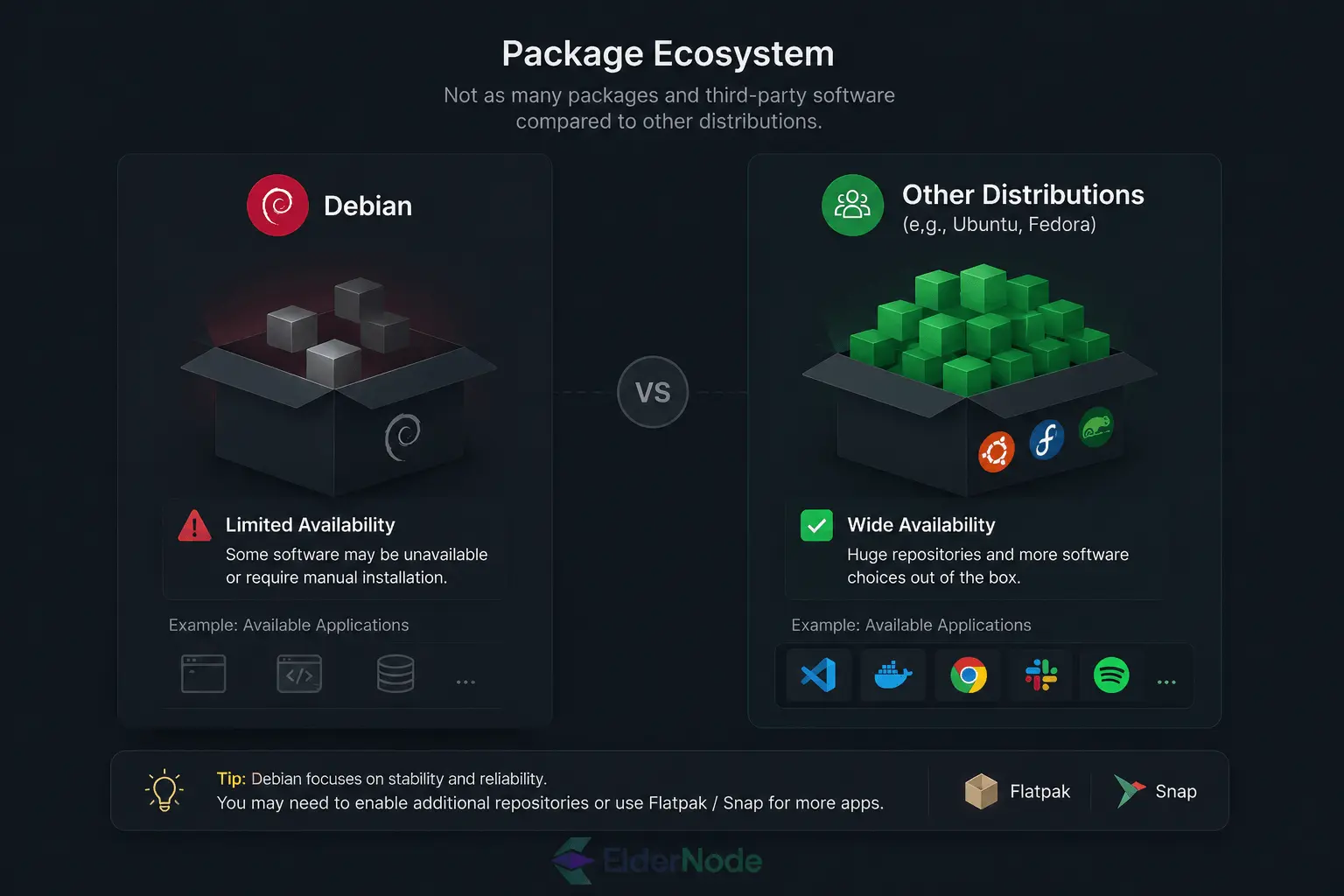
Limited Packages – Some stuff isn’t in the official repos… you might have to poke around a bit if you need something rare. I ran into that once setting up a test server.
Smaller Community – It’s kinda new, so sometimes finding help feels like a scavenger hunt. Don’t expect a ton of tutorials like Ubuntu.
Third-party Software – Not every app officially supports it. If you rely on a niche app, try it first.
CentOS 8 Legacy – Has a few quirks inherited from CentOS 8… I bumped into some oddities myself.
Which OS Fits Your Business Needs?
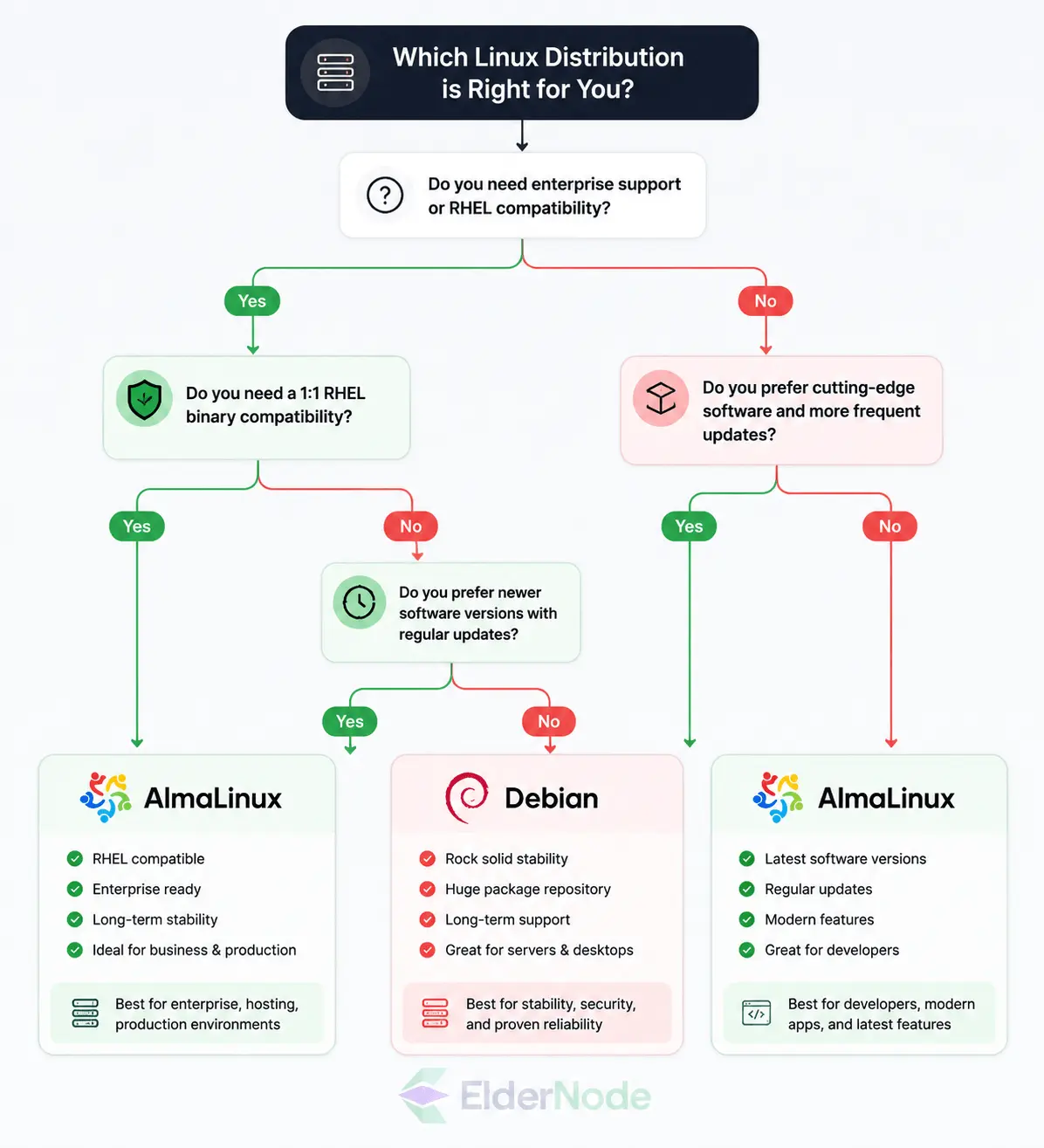
So, which one should you pick, AlmaLinux or Debian? Honestly, it depends on what your business actually need? If you’ve been on CentOS and want something stable that just works, AlmaLinux is great. Debian? It’s older, well-established, with tons of packages and a massive community… but you might have to tinker a bit more. Think about what you do day-to-day, what software you rely on, and how hands-on you want to be. Personally, I’ve run servers on both, and each has its perks, it just depends on what matters more for your business.
That’s it!
Conclusion – AlmaLinux or Debian?
Hmm… picking between AlmaLinux and Debian isn’t that simple. Honestly, it depends on what you actually do. If you’re coming from CentOS and just want something that works reliably, AlmaLinux is nice, stable, familiar, and not much to worry about. Debian is a bit different: tons of packages, a huge community, but yeah, you might have to fiddle a bit more. My tip? Don’t just read specs, think about what you’ll actually be doing every day on the server. Try both if you can; spinning up a VPS on Eldernode takes minutes, and you’ll know quickly which feels right.