Special Offer



Best Gaming Linux Distro: Top Distros for 2026

 Study duration :
12 Minutes
Study duration :
12 Minutes  0 Comment
For a lot of people, Linux and gaming never really went together. If you wanted the easiest experience, you just installed Windows and didn’t think much about it. But now, many gamers want to know what is the Best Gaming Linux Distro for their needs.
But Linux gaming has improved quite a bit over time. Now, many games work without needing a bunch of random fixes, and some Linux distros make the whole setup process pretty straightforward.
At the same time, every distro feels a little different. Some are easier to use, some focus more on performance, and others give you more freedom to change things however you want.
Here are some of the gaming distros people are using in 2026 and what they’re actually like to live with.
Why Choose Linux for Gaming?
A big reason is that Linux gaming is simply easier now. You install Steam, download a game, and in many cases it works without needing much extra setup.
Some people also switch because they get tired of how heavy Windows can feel. Some people prefer Linux because it feels simpler overall, and you’re not dealing with as much unnecessary stuff running in the background.
A few things gamers like about Linux:
- Many popular games run fine now
- Most distros are free
- Older PCs can feel faster
- Less stuff running in the background
- More freedom to customize things
Key Features to Look for in a Gaming Linux Distro
Some Linux distros are just easier to game on than others. Good driver support is probably the biggest thing, especially if you use an NVIDIA graphics card.
It also makes a big difference when things like controllers, audio, Bluetooth, and Wi-Fi just work properly without needing extra setup.
And if you’re new to Linux, a simple desktop and easy setup can save a lot of time and frustration.
Best Gaming Linux Distros in 2026
There isn’t really one perfect Linux distro for gaming. What works great for one person might feel annoying to someone else.
Some people just want a distro where they can install Steam and start playing without dealing with extra setup. Others care more about performance, newer drivers, or having more control over the system itself.
The nice thing now is that Linux gives you options. There are distros that feel beginner-friendly, and there are others built more for people who like customizing and tweaking everything.
Below are some of the Linux distros gamers are using the most in 2026 and what each one is actually good at.
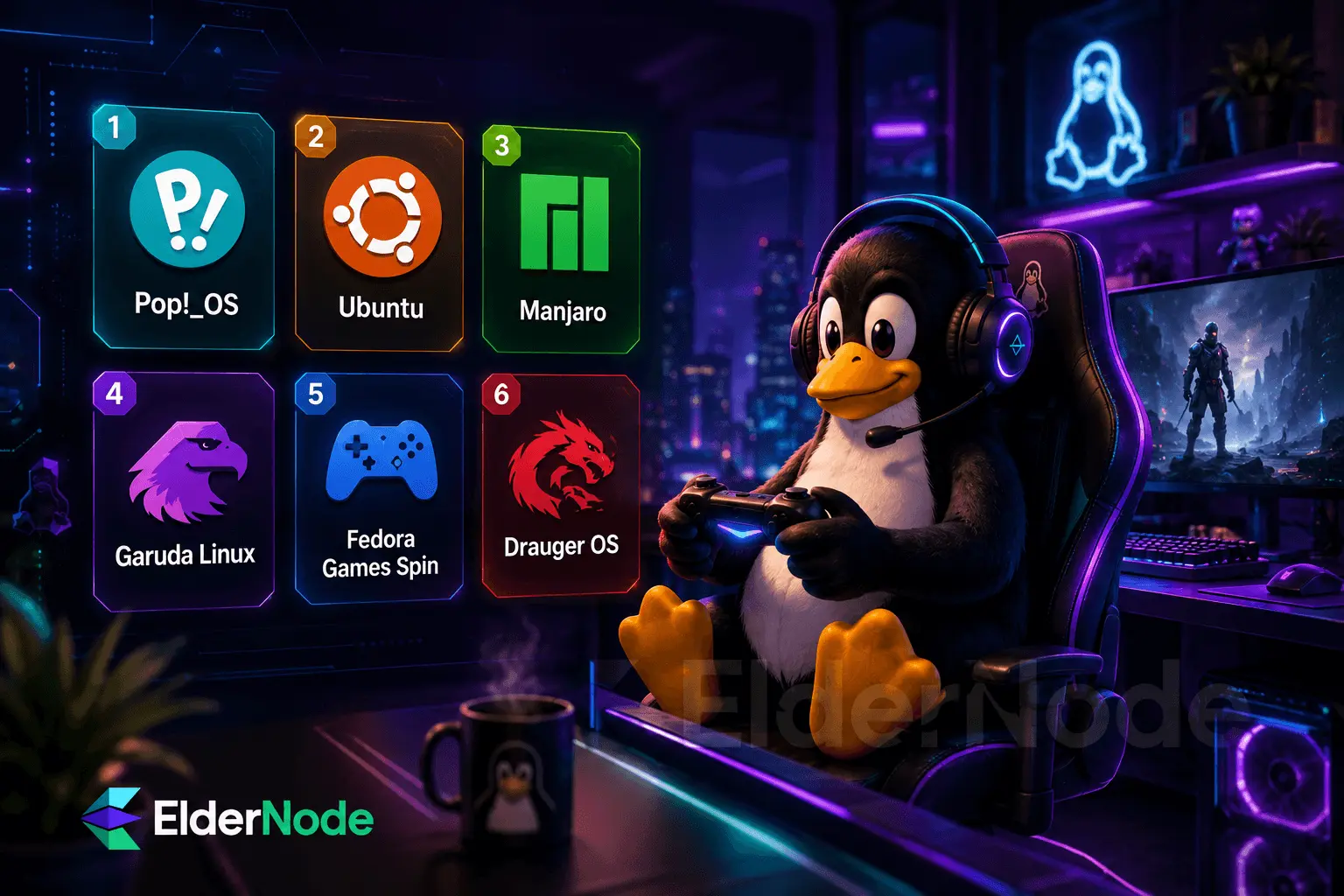
1. Pop!_OS
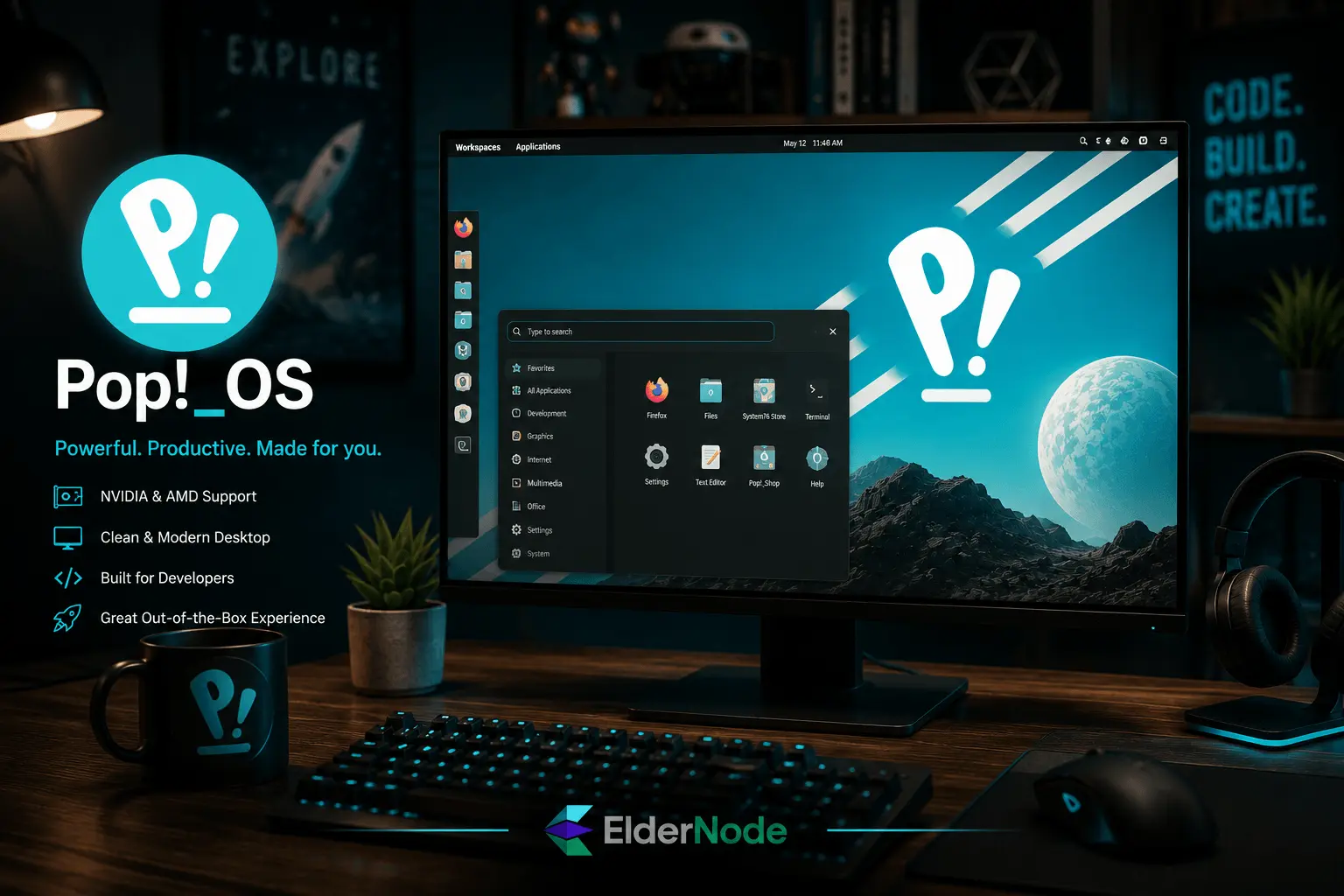
Pop!_OS is one of those distros people often recommend when someone asks, “I just want Linux gaming to work, what should I install?”
A big part of that is how easy it makes things like NVIDIA driver setup. You can install the NVIDIA version and avoid a bunch of the setup headaches that usually annoy new Linux users.
It also feels simple and comfortable to use without becoming distracting while you’re gaming. Even if you’ve never used Linux before, it’s fairly easy to get comfortable with.
2. Ubuntu
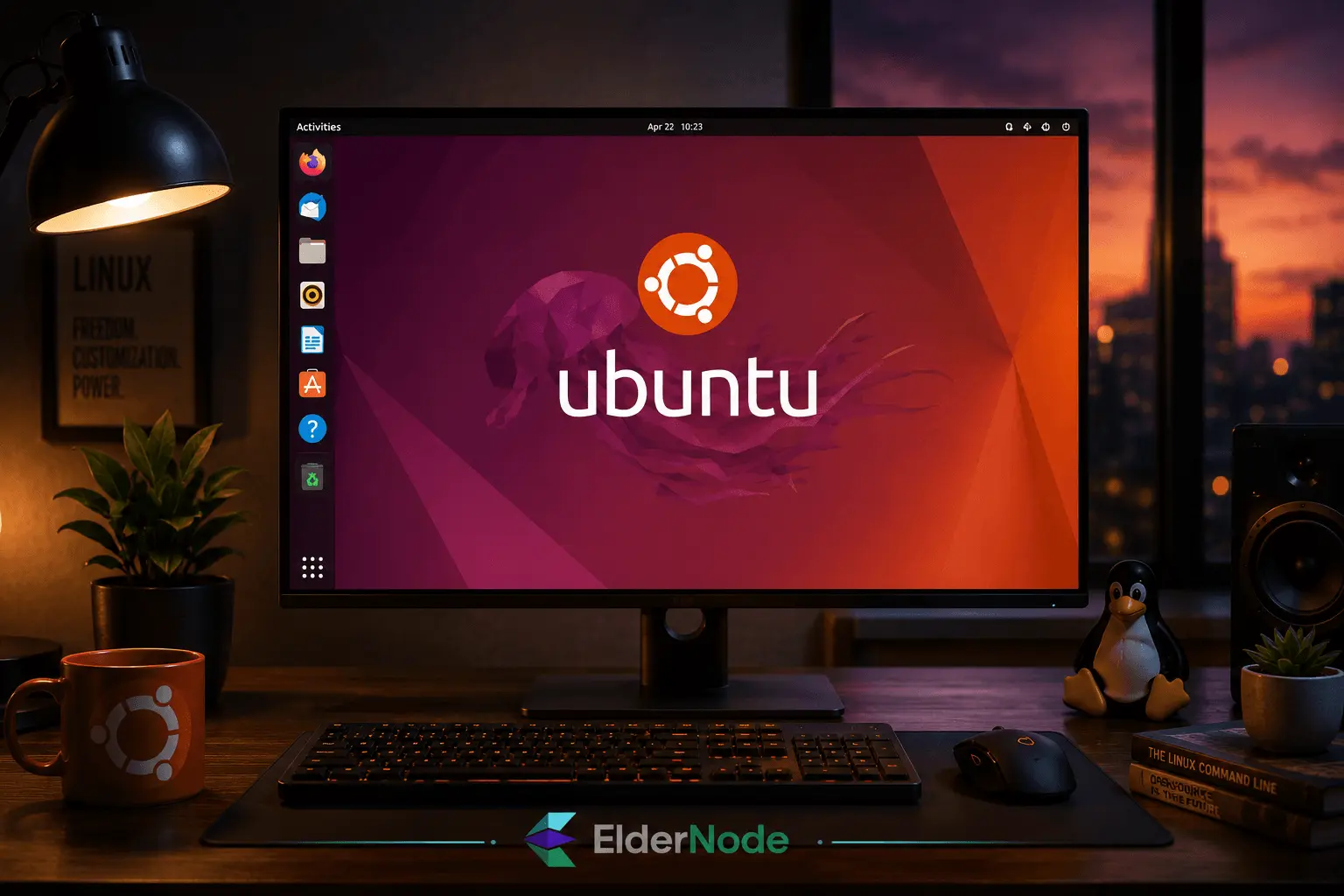
When you look up Linux gaming guides online, Ubuntu is usually the distro most people are using in the tutorials.
For gaming, it’s usually pretty straightforward. Steam installs easily, drivers are easy enough to find, and most common gaming apps work without much trouble.
A lot of people also keep using Ubuntu simply because there’s such a huge community behind it. If you run into an issue, you’ll usually find someone else who already dealt with the same thing.
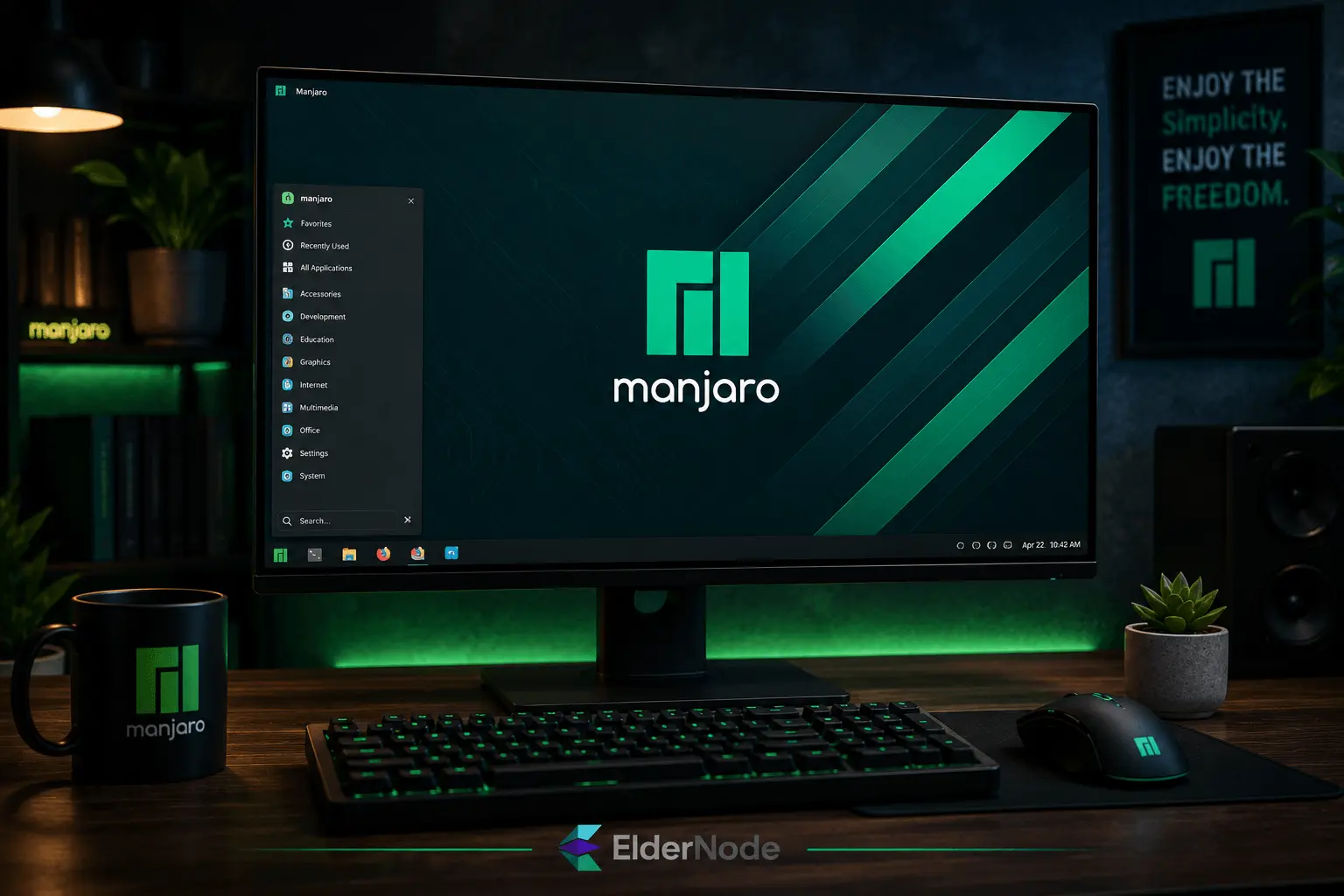
3. Manjaro
Manjaro is usually recommended for people who want something more up to date than Ubuntu but don’t want to deal with setting up Arch Linux from scratch.
A lot of people like it because newer drivers and updates tend to show up pretty quickly, which can help if you’re using newer hardware or playing recently released games.
Even though it’s based on Arch, it’s much easier to install and use than regular Arch Linux. Things like graphics drivers can be installed during setup, so getting started doesn’t feel as complicated as people expect.
4. Garuda Linux
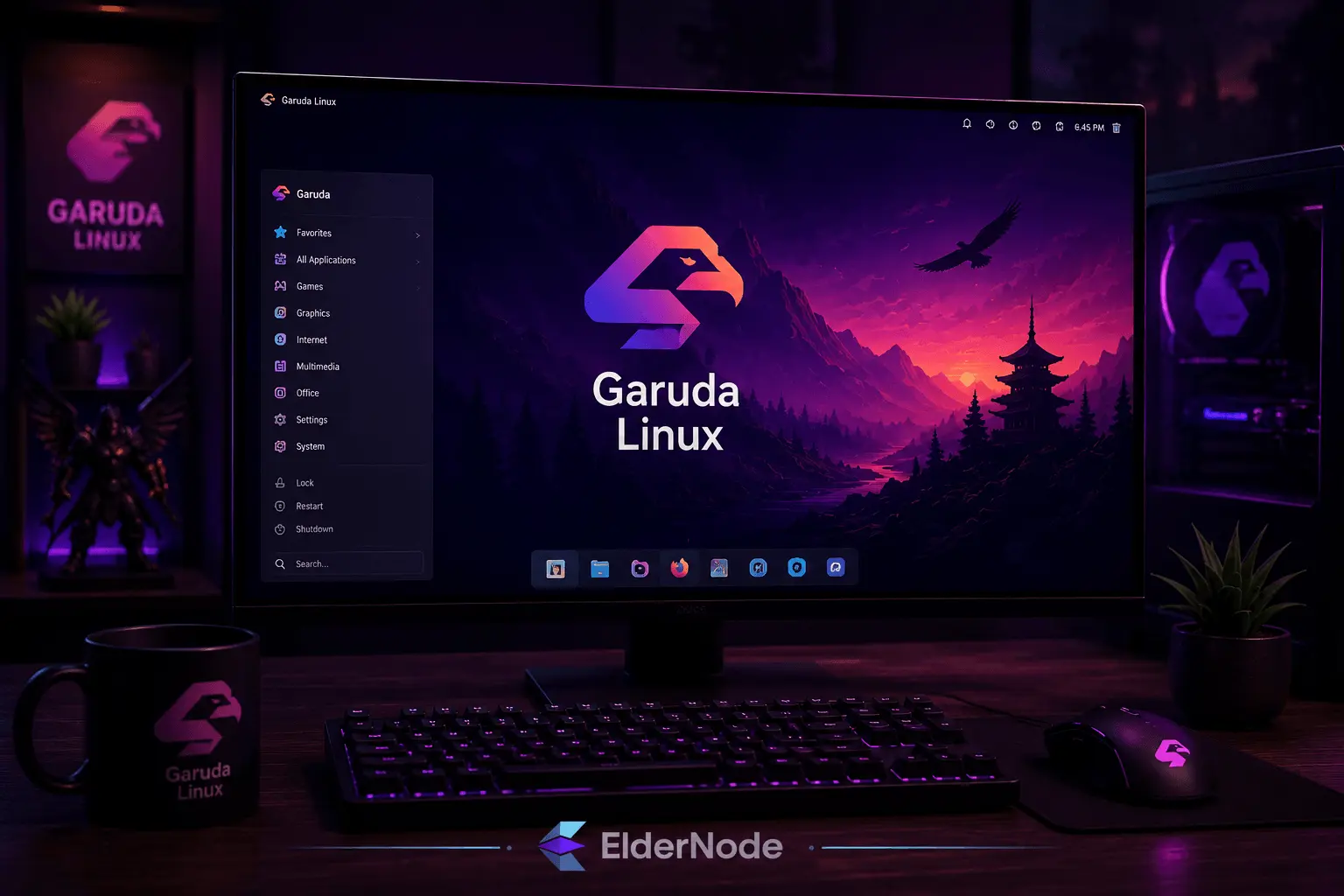
Garuda Linux is one of those distros that immediately looks different from most others. It’s flashy, colorful, and clearly aimed at people who like a more modern gaming-style desktop instead of a plain layout.
A lot of people try it because many of the gaming tools and performance tweaks are already included, so you don’t have to set everything up yourself after installing it. It also feels pretty fast overall, especially on newer systems.
Since it’s based on Arch Linux, you also get newer software and drivers fairly quickly, which some gamers prefer for newer games and GPUs.
5. Fedora Games Spin
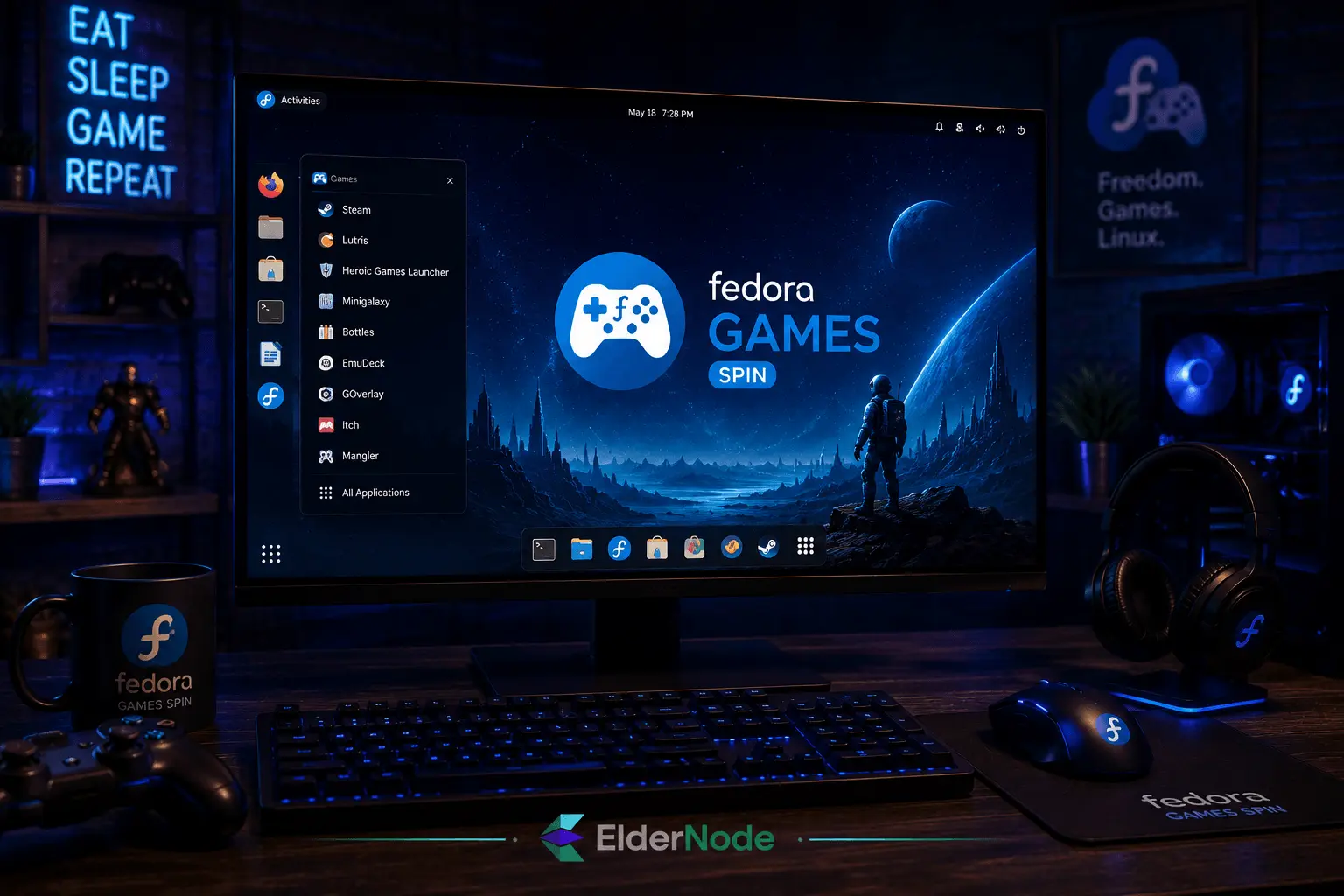
Fedora Games Spin is a little different from most gaming distros because it already includes a collection of games after installation. Instead of setting everything up yourself right away, you can actually start trying things almost immediately.
6. Drauger OS
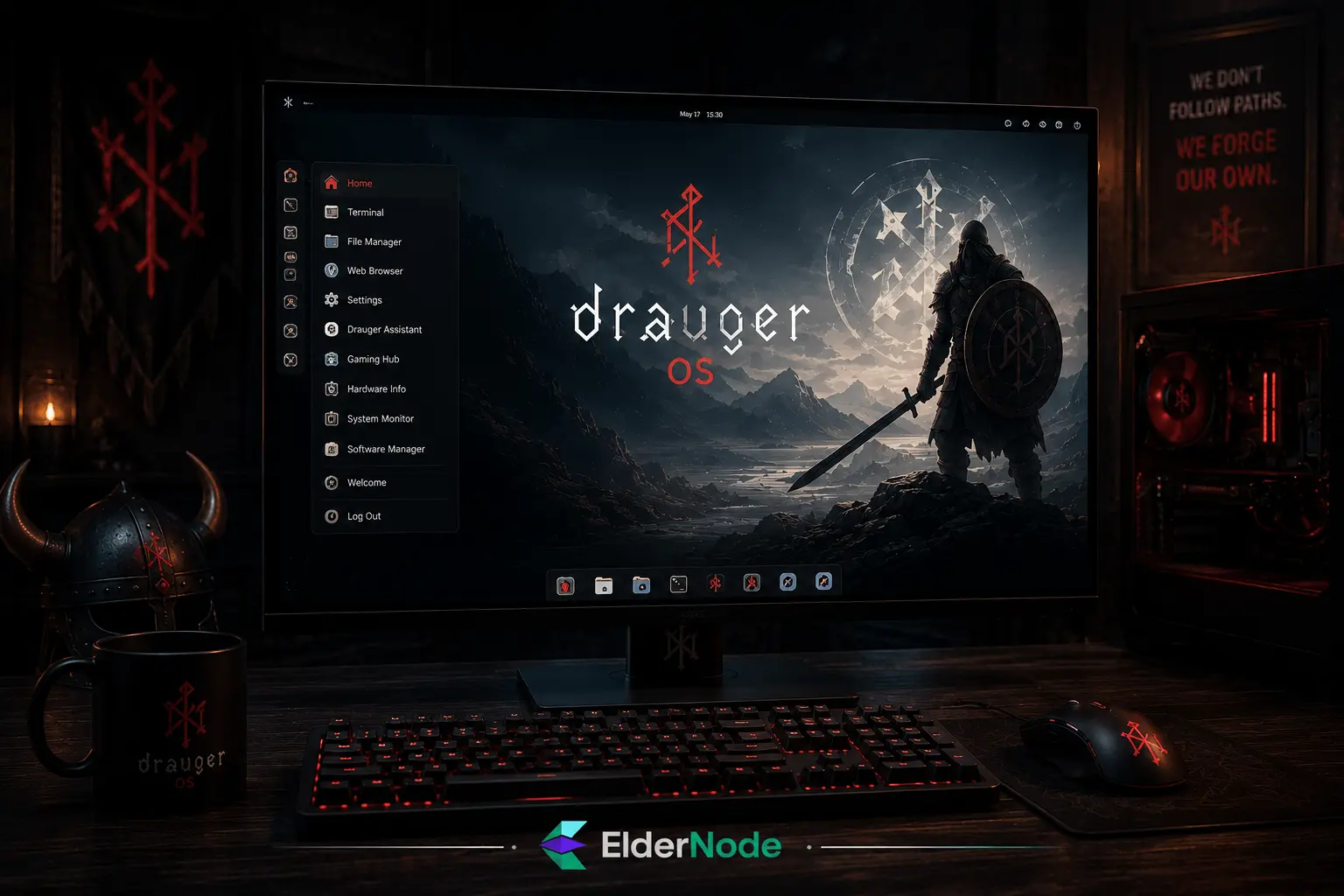
Drauger OS isn’t really meant to do a bit of everything like some other Linux distros. It’s aimed more at gamers who want a system focused on gaming first.
It keeps the system fairly lightweight, which can make games run a bit smoother, especially on older or weaker hardware. There are also a few built-in tweaks meant to reduce delay and improve responsiveness while gaming.
It’s probably more appealing to people who care about performance and low system overhead than flashy desktop features.
Essential Tools for Gaming on Linux
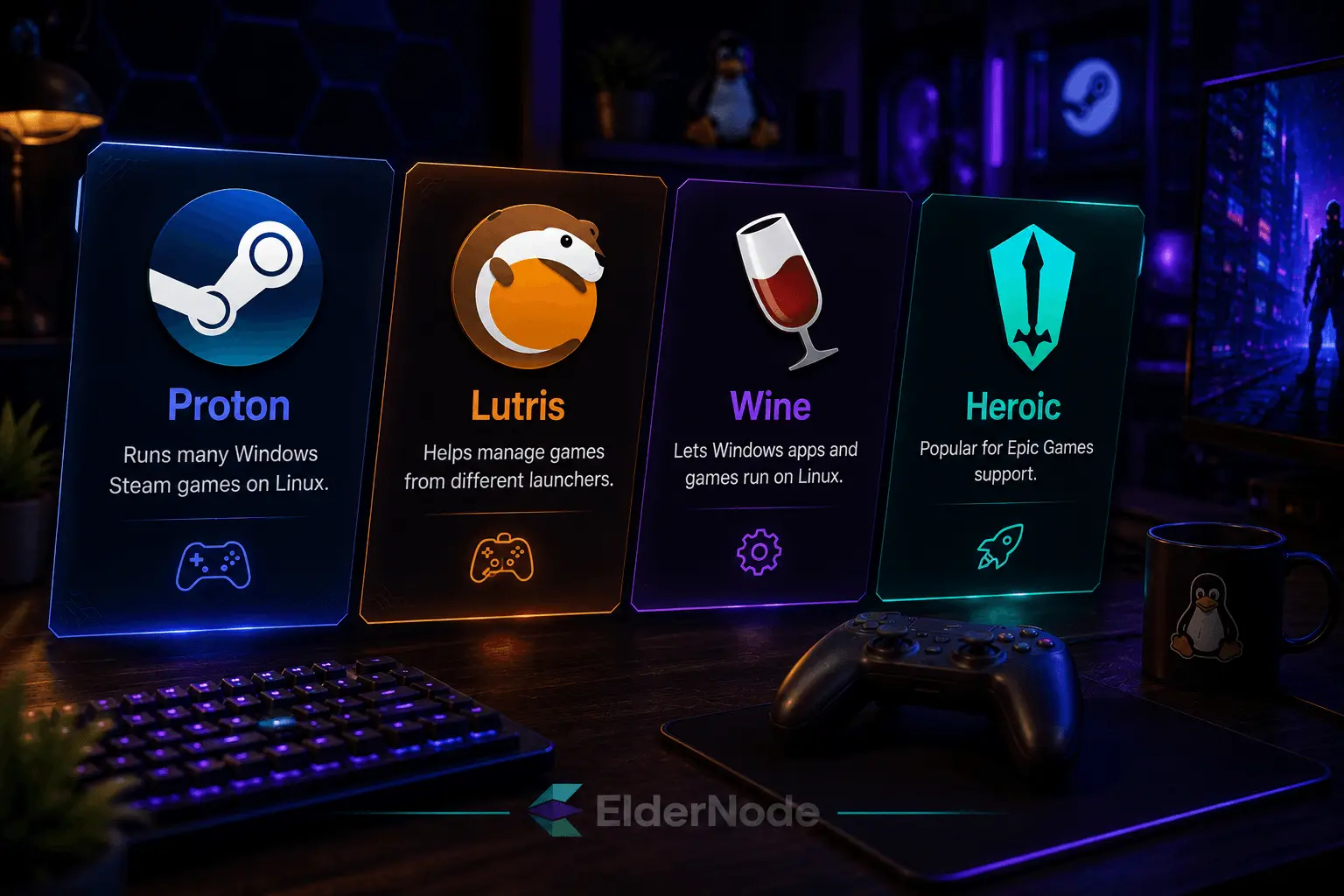
If you play games on Linux, you’ll probably end up using a few common tools pretty quickly.
- Proton: Runs many Windows Steam games on Linux
- Lutris: Helps manage games from different launchers
- Wine: helps many Windows apps and games run on Linux without needing Windows itself.
- Heroic Games Launcher: Popular for Epic Games support
Without tools like these, Linux gaming wouldn’t be nearly as smooth as it is now.
Tips for Optimizing Your Linux Gaming Experience
A lot of the time, getting better gaming performance on Linux comes down to a few small adjustments.
- Keep your graphics drivers updated
- Don’t leave heavy apps running in the background
- Lower a few graphics settings if games stutter
- Check FPS and temperatures while playing
- Install system updates once in a while
Drivers are usually the first thing worth checking.
Conclusion: Which Is the Best Linux Distro for Gaming?
There’s a good chance the “best” distro for you won’t be the same one someone else recommends online.
Some gamers prefer something simple that works without much setup. Others don’t mind spending time tweaking things if it means getting newer software or a bit more performance.
The good thing is that Linux gaming has improved enough that you actually have solid choices now. Most of the distros mentioned here can handle gaming well, so it mostly comes down to which one feels better on your system.