Special Offer




How to Install TorrentFlux on Ubuntu 20.04 (Step-by-Step Guide)
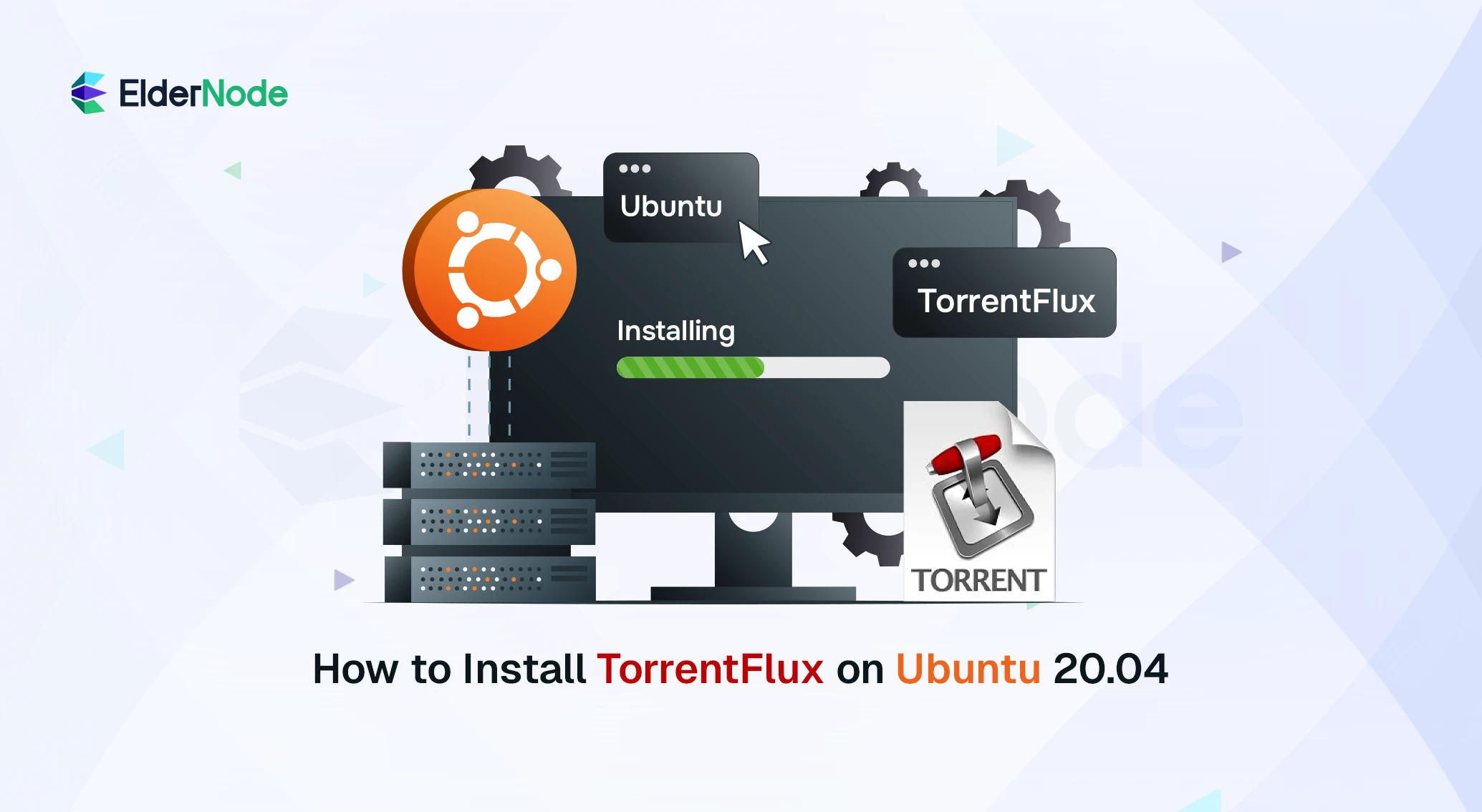



TorrentFlux on Ubuntu 20.04 makes managing your torrent downloads from anywhere super easy. If you download a lot of torrents, you know how annoying it is to keep your computer running all the time.
This free, web-based BitTorrent client runs on a Linux VPS, letting you check and control all your downloads right from your browser. No need to rely on your personal computer.
In this guide, I’ll walk you step by step through installing TorrentFlux so you can get it up and running quickly.
Install TorrentFlux On Ubuntu 20.04
Okay, before we jump in, a quick heads-up: TorrentFlux doesn’t run on your personal computer. You’ll need a server (like a VPS) so you and any other clients can access it from anywhere.
It keeps downloads organized, even for multiple users, which is really handy. Now, let’s go step by step and get it installed.
Step 1: Update your server
First things first, make sure your server is up to date:
apt-get update
apt-get upgrade
Step 2: Install TorrentFlux
Now, let’s get TorrentFlux installed. Just run:
sudo apt install torrentflux
And that’s it! Super simple.
Step 3: Set up your server basics
Okay, let’s get your server ready. You need Apache, MySQL (or MariaDB), and PHP. On Ubuntu, just run this:
sudo apt update
sudo apt install apache2 mariadb-server php libapache2-mod-php php-mysql php-curl
Want to see if PHP is actually working? Super easy. Make a tiny test file:
sudo nano /var/www/html/test.php
Put this in:
<?php
echo "PHP is working!";
?>
Now, open your browser and go to http://your-server-ip/test.php.
If you see the message, awesome, you’re good to go.
Step 4: Set a MySQL password
Before you go any further, make sure your MySQL root account has a password. Super simple:
mysqladmin -u root password 'your-new-password'
That’s it! Now your database is a bit safer.
Step 5: Download and extract TorrentFlux
Grab the TorrentFlux package from its official source (usually SourceForge), then extract it:
tar -xvzf torrentflux_2.1.tar.gz
That’s all you need here. We’ll use these files in the next step.
Step 6: Copy the files and set up TorrentFlux
Alright, now it’s time to get the files where they belong. Just move everything into your web folder:
sudo mkdir -p /var/www/torrentflux
sudo chown -R $USER:$USER /var/www/torrentflux
cp -r ~/torrentflux_2.1/html/* /var/www/torrentflux/
Next, you need a database. Quick and easy:
mysql -u root -p -e "CREATE DATABASE torrentflux;"
mysql -u root -p torrentflux < ~/torrentflux_2.1/sql/mysql_torrentflux.sql
Then open the config file:
sudo nano /var/www/torrentflux/config.php
Put in your database username and password so TorrentFlux can talk to it.
Optional: you can make a separate MySQL user instead of root if you want to be extra safe.
Finally, fix permissions so TorrentFlux can write files:
sudo chmod -R 755 /var/www/torrentflux
sudo chmod -R 775 /var/www/torrentflux/downloads
And that’s it, you’re ready to go. Open your browser and check that TorrentFlux is running.
Step 7: Add search modules (optional)
TorrentFlux lets you search multiple trackers by adding modules. To do this, just download the module file and move it into the searchEngines folder:
sudo mv module.php /var/www/searchEngines/
How to uninstall Torrentflux
So, if you ever get tired of TorrentFlux, getting rid of it is no big deal. Open a terminal and type:
sudo apt-get purge --auto-remove torrentflux
That’s it. It’ll remove the program and all its settings. Just make sure you don’t need anything from it anymore, once it’s gone, it’s gone. Easy peasy.
Conclusion
Alright, that’s pretty much it! Now you’ve got TorrentFlux up and running on Ubuntu 20.04. You can check all your torrent downloads from anywhere, no need to keep your PC on all the time.
Once it’s on your VPS, managing torrents becomes way easier. Just open your browser, and everything’s ready to go. Honestly, once you try it, you’ll probably wonder why you didn’t set it up sooner!